

Torp TC500 Controller on My Surron Light Bee: Smoother Power, Cleaner Install, Better App
October 13, 2023
Some links in this article may be affiliate links. If you buy through them, we may earn a small commission at no extra cost to you.
If you’ve ever wanted your Surron Light Bee to feel more dialed without turning your garage into a wiring science project, the Torp TC500 is one of the most “made for this bike” controller upgrades I’ve tried.
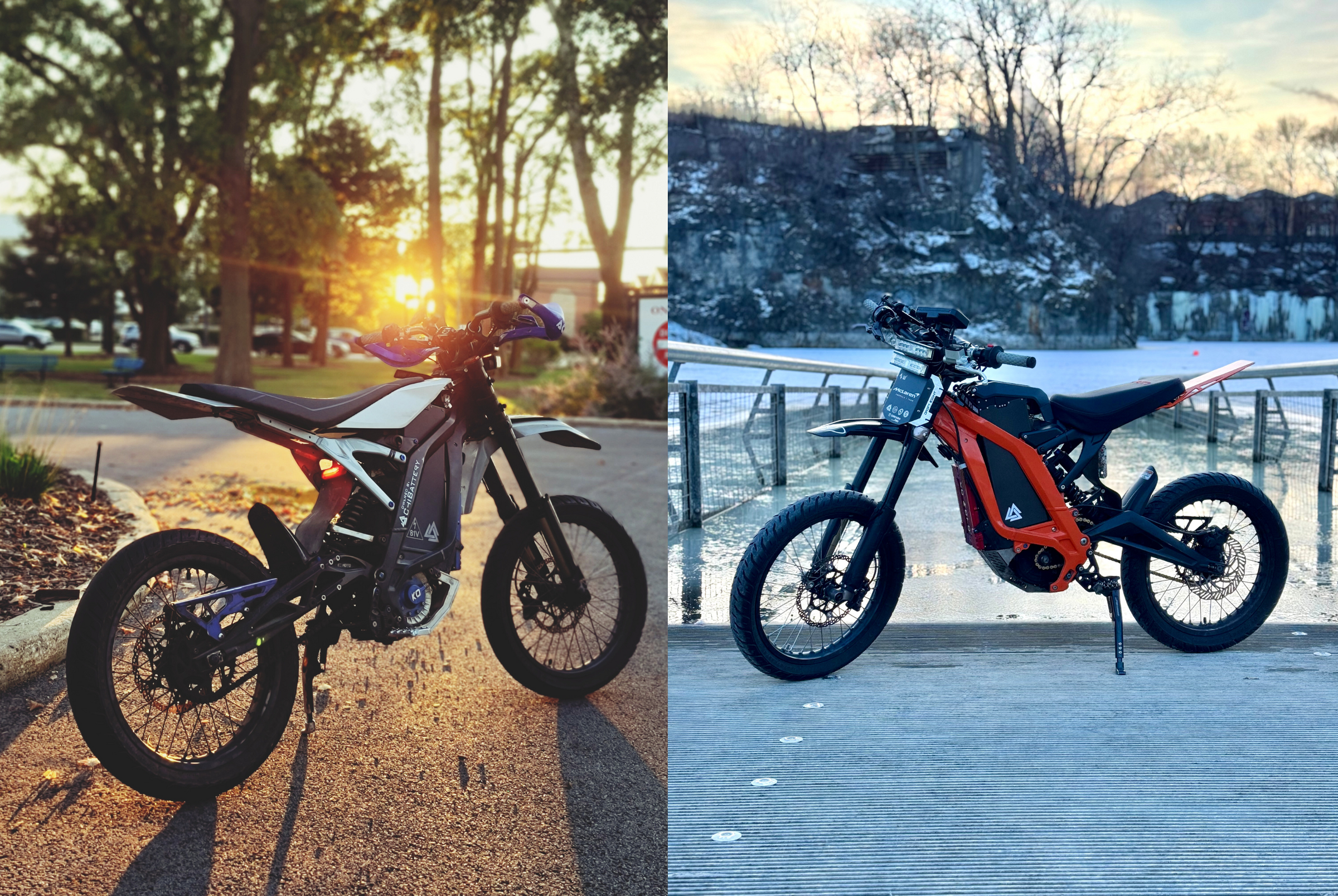
I installed it on my Surron, set it up through the Torp app, calibrated the motor, and put real street miles on it with my supermoto setup. The big takeaway: it delivers power in a smoother, more predictable way, and the whole experience (hardware + app) feels cohesive.
Made for the Surron, and it shows
The TC500 feels like it was designed around the Light Bee’s packaging and day-to-day usability.
Physically, it’s compact and the wiring is refreshingly tidy. When you’re stuffing everything back into that controller compartment, size and harness routing matter more than people admit.
Compared to my prior ASI/BAC-style setup, the Torp install felt less “fight the harness” and more “bolt it in and move on.” I also liked that it’s meant to integrate cleanly with the bike’s stock layout.
Unboxing and first impressions
The controller arrived with a simple quick-start style guide, a harness, and mounting hardware (M6 screws and washers).
The controller itself looks and feels premium in-hand. It’s one of those parts that immediately gives you confidence it’s not a generic box that was forced to fit. It has some real weight to it, but in a solid, purposeful way.
Installation: honestly pleasant
I’m used to aftermarket controllers being at least a little annoying. This wasn’t.
The biggest “work” for me was the removal of what I already had on the bike. Once I got to the point of fitting the Torp, everything felt straightforward and space-efficient.
A couple of install notes that matter:
The harness is compact, which helps keep the compartment clean.
Pay attention to phase wire order. Wiring it wrong can do weird things (including the bike running in reverse).
Overall, it landed in the category of plug-and-play in the way people hope plug-and-play will be.
The app: clean UX and actually useful tools
The Torp app is available on iOS and Android, and once the bike is on, it connects and “wakes up” into a proper dashboard.
What stood out to me is the usability. The UI is clean, the layout makes sense, and it doesn’t feel like a hacked-together settings page.
Here’s what I actually used and cared about:
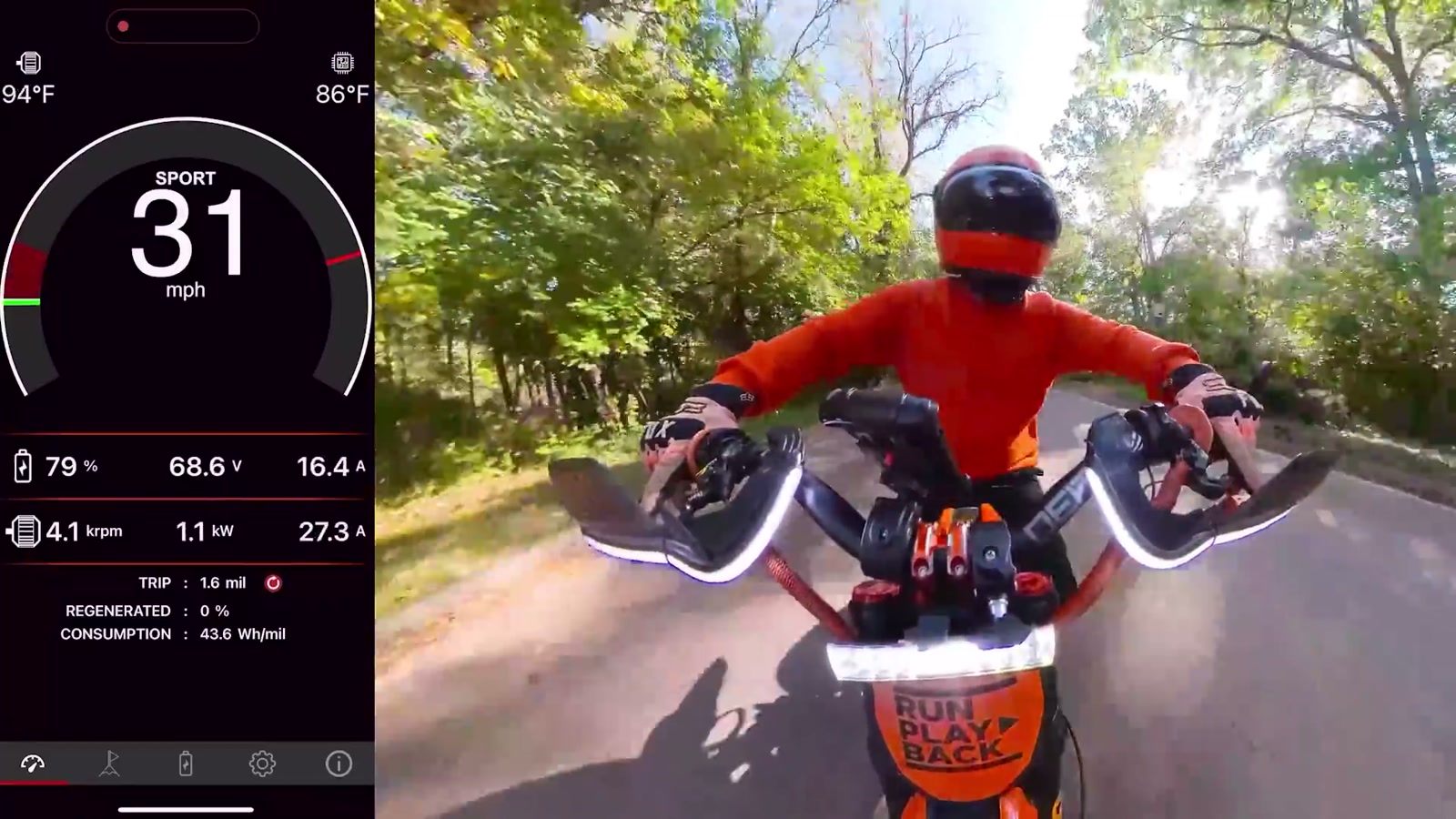
Dashboard + live readings
You get a dashboard, plus a live readings screen that shows min / live / max columns. If you’re troubleshooting or verifying behavior after a change, this is excellent.
Battery setup (stock vs aftermarket)
I’m running an aftermarket Chi Battery Systems 66V Gladiator battery. Because of that, I’m not using the stock BMS readout features.
If you are on a stock Surron battery, the Torp app can read BMS data through the controller, which is a big quality-of-life upgrade.
Custom voltage limits
I set my battery type to Custom and entered voltage values appropriate for my pack (including a minimum voltage and a maximum voltage). I like that the app lets you be precise down to decimals.
Mode switching: display, stock switch, or neither
This matters more than you’d think.
On my bike, I removed the stock display and I’m not using the stock Eco/Sport switch. I also didn’t install the optional Torp display. With that setup, I run a single mode (effectively “Sport” only).
That means:
No quick swapping between Eco and Sport on the fly.
You tune the bike once to match how you ride most days.
If you want easy mode switching, you’ll want either the stock switch setup or the Torp display.
Throttle calibration + motor calibration
Throttle calibration is simple inside the app, and I really appreciate having a dedicated calibration mode where the motor won’t engage while you’re setting it.
Hall sensor calibration is also straightforward: bike on a stand, rear wheel off the ground, press calibrate, let it spin, save, done.
My tune approach (and why it felt so good)
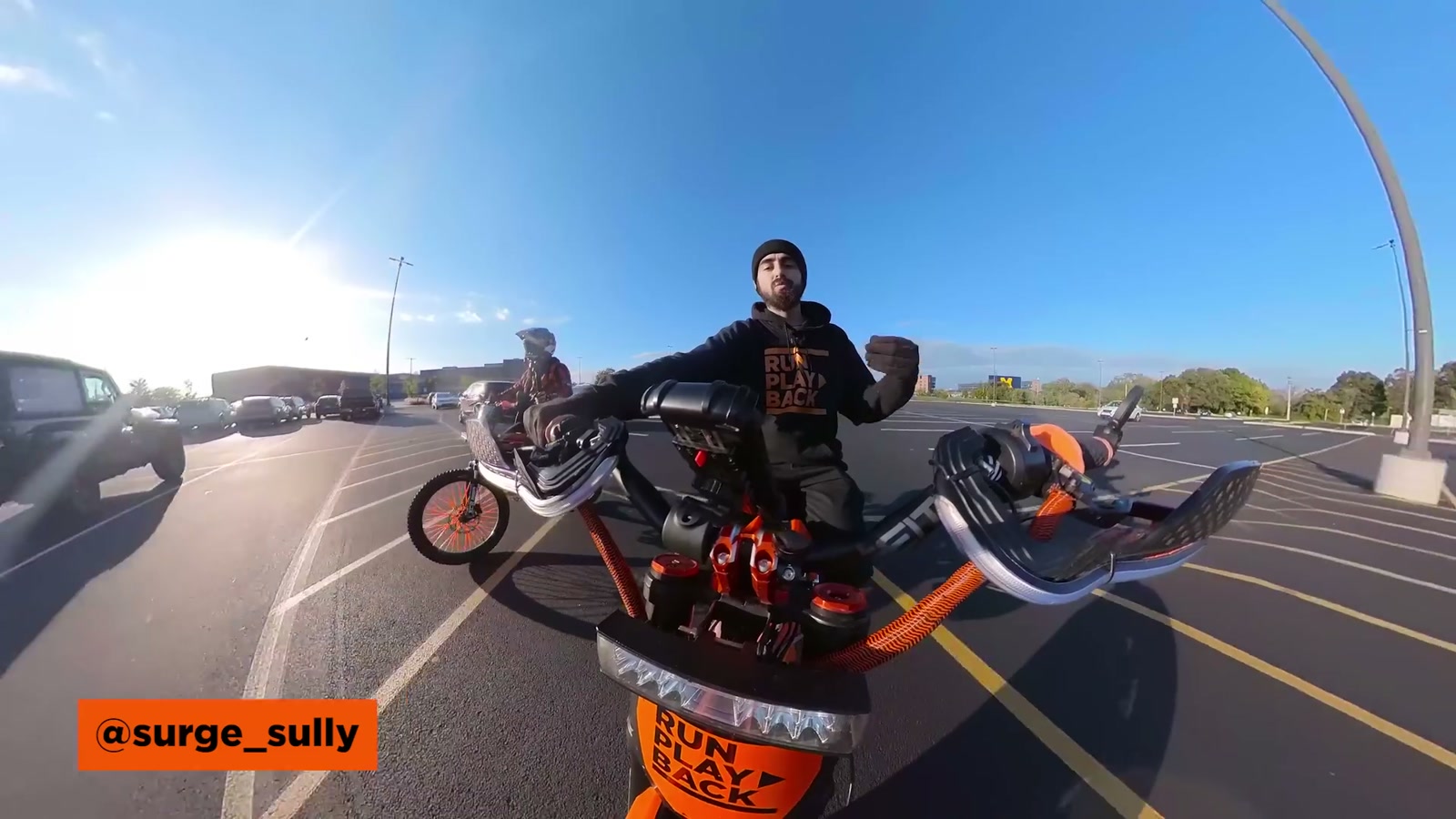
I started with a baseline tune shared by Surge Sully (who rides very differently than I do—more stunt-focused), then rode it and paid attention to the feel instead of chasing numbers.
Even without getting lost in the technical weeds, the controller’s behavior is easy to shape:
Battery current changes the “punch” (how hard it hits down low)
Motor current influences the “top end feel” and how it pulls as speed builds
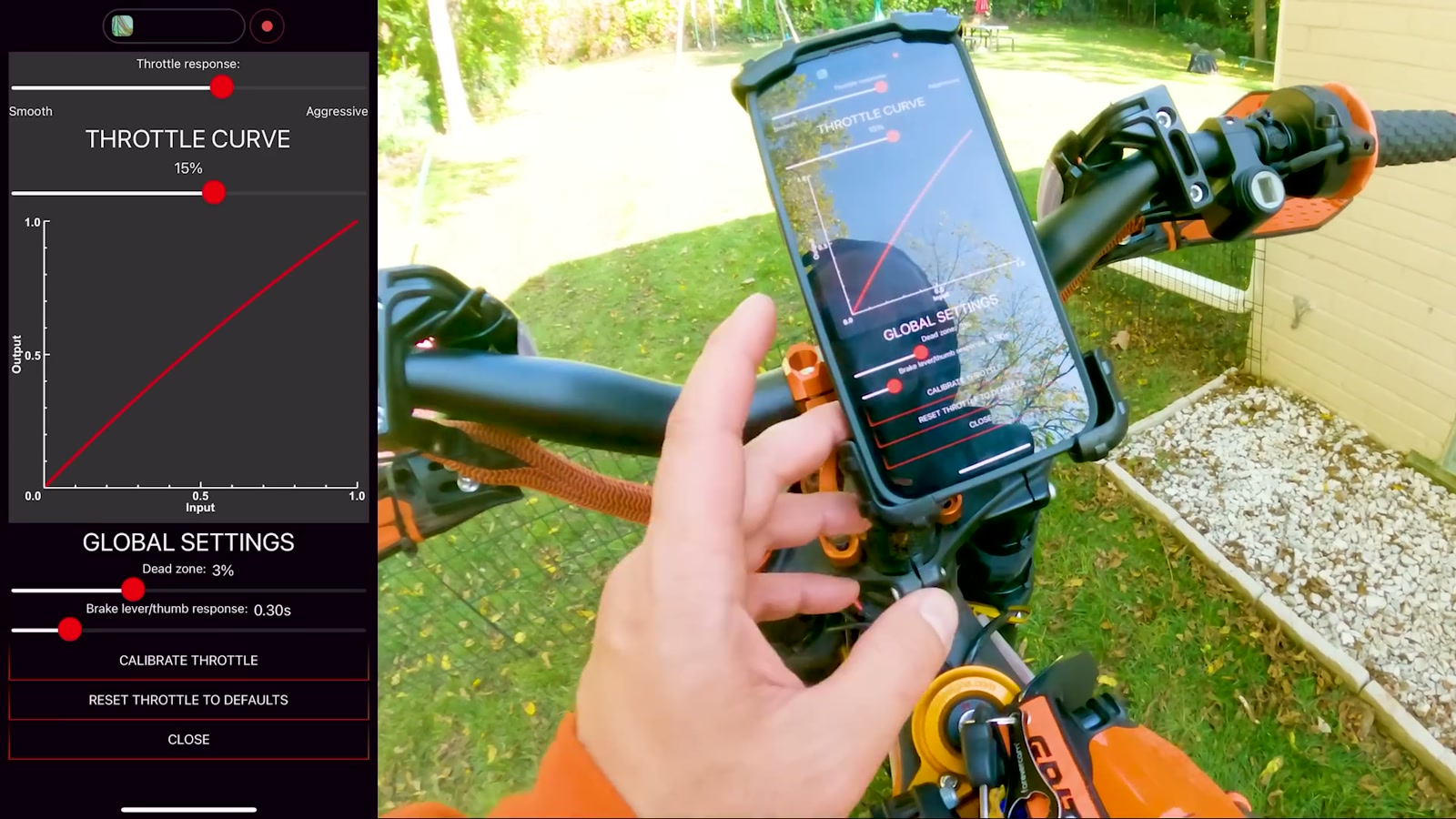
Throttle response and throttle curve let you tame or sharpen how the power comes in
The app makes those relationships intuitive, which is exactly what I want when I’m trying to get the bike feeling right for my streets.
Ride impressions: smoother, more immediate, easier to trust
The first ride is where the TC500 justified itself.
The power delivery felt smooth and predictable, and the throttle felt more responsive than my previous setup. The best way I can describe it is that the bike felt like it was listening more closely to my right hand.
With my previous controller, I sometimes felt a bit of delay followed by a lunge. With the Torp, that “waiting…then jump” sensation was largely gone. It made the bike easier to ride cleanly at partial throttle and easier to be consistent when I wanted to snap into power.
On my supermoto wheels and sprocket setup, the bike already feels punchy, but the Torp made that punch more controllable instead of more chaotic.
If you’re the type of rider who cares about smooth mid-throttle modulation—rolling on around corners, weaving through city streets, or keeping a stable wheelie line—this controller’s character makes a lot of sense.
Efficiency and protections (the stuff you appreciate later)
Beyond ride feel, the TC500 brings the kind of behind-the-scenes capability that’s reassuring:
Field-oriented control (FOC) for smoother, more predictable power delivery
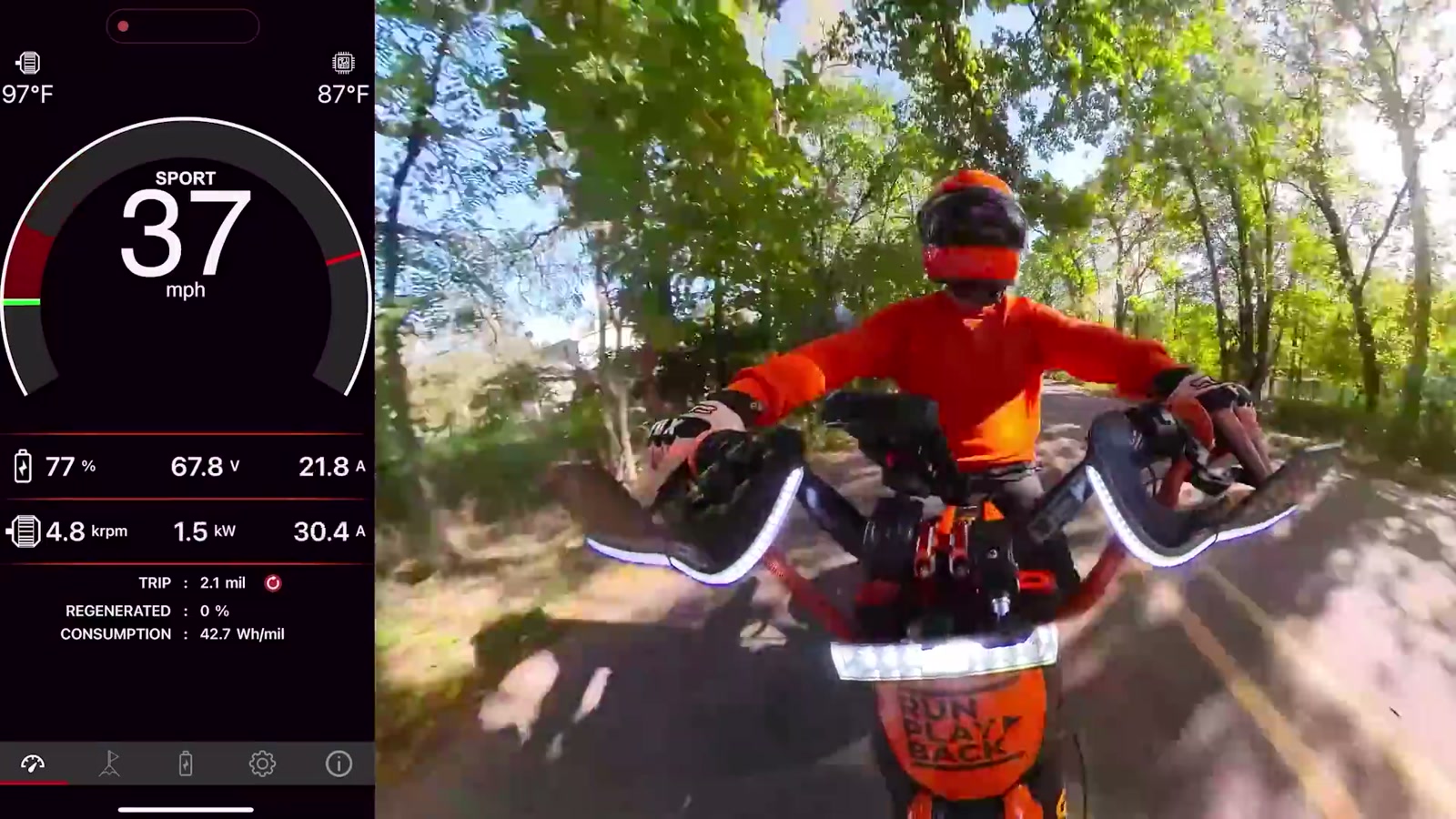
Bluetooth connectivity for setup and tuning in the app
Built-in current, voltage, and temperature protections
Claimed efficiency up to 99%
It’s also designed to work across a wide battery voltage range (20–90V) and supports sensored and sensorless control options.
What We Like
The install experience feels genuinely Surron-specific and space-efficient
The app UX is clean, modern, and easy to understand
Smooth, predictable power delivery that’s easier to control in real riding
Throttle response feels more immediate and natural
Easy throttle calibration and hall sensor calibration through the app
Useful live readings (min/live/max) for dialing things in
Things To Consider
If you remove the stock switch and don’t run the Torp display, you’re effectively living in one mode (no quick Eco/Sport toggles)
Aftermarket batteries may not expose the same BMS detail in-app as a stock battery setup
Wiring attention still matters—especially phase wire order
Tuning is easy, but you still need to spend some time riding and adjusting to match your style
Final Thoughts
The Torp TC500 feels like a controller made by people who actually care how a Surron is ridden day to day. The hardware fits cleanly, the install isn’t a headache, and the app makes tuning approachable.
Most importantly, it made my bike feel smoother and more responsive in the real world—less of that delayed surge, more of a direct connection between throttle input and what the bike does.
If you want a performance upgrade that improves the riding experience without adding complexity to your life, the TC500 is an easy recommendation.