
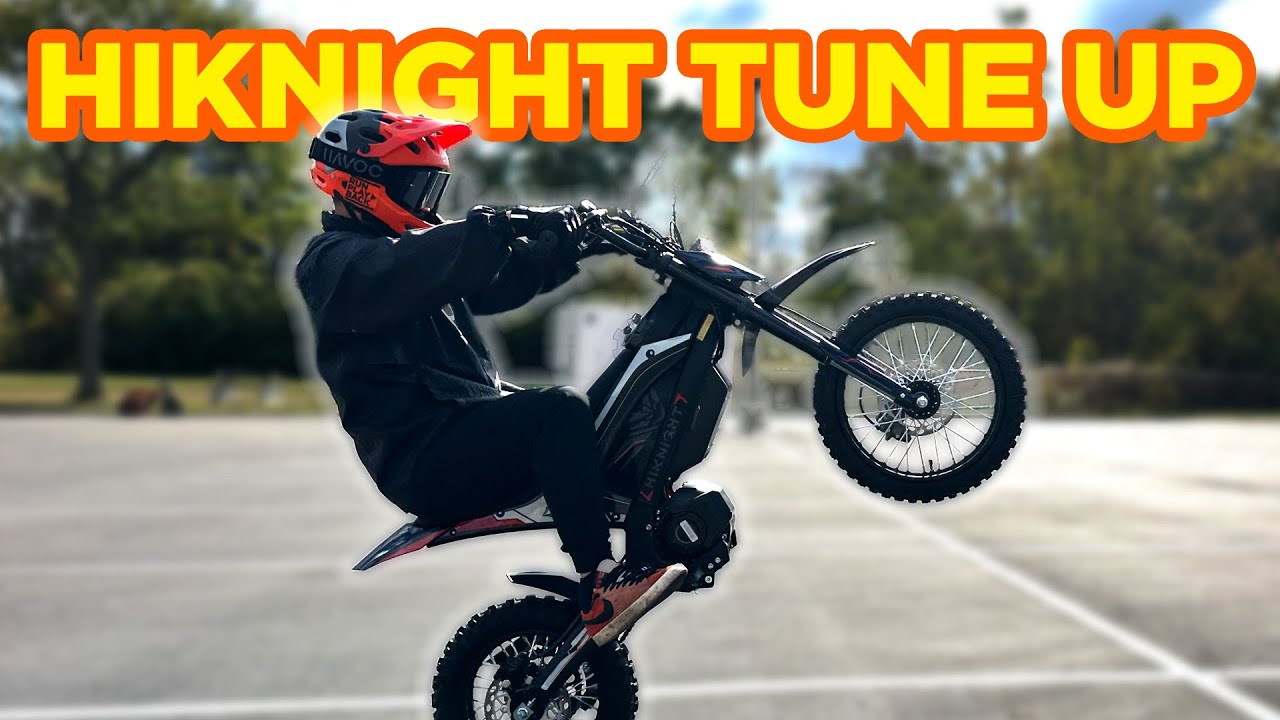
HiKNIGHT GTX1 Tune: More Speed, Better Throttle Response, Same Fun Geometry
October 13, 2025
Some links in this article may be affiliate links. If you buy through them, we may earn a small commission at no extra cost to you.
I’ve been having a blast on the HiKNIGHT GTX1 because the chassis just works. The geometry feels “right” in a way a lot of mini e-dirt bikes don’t, and the suspension is genuinely confidence-inspiring for messing around on rough pavement and little dirt cut-throughs.
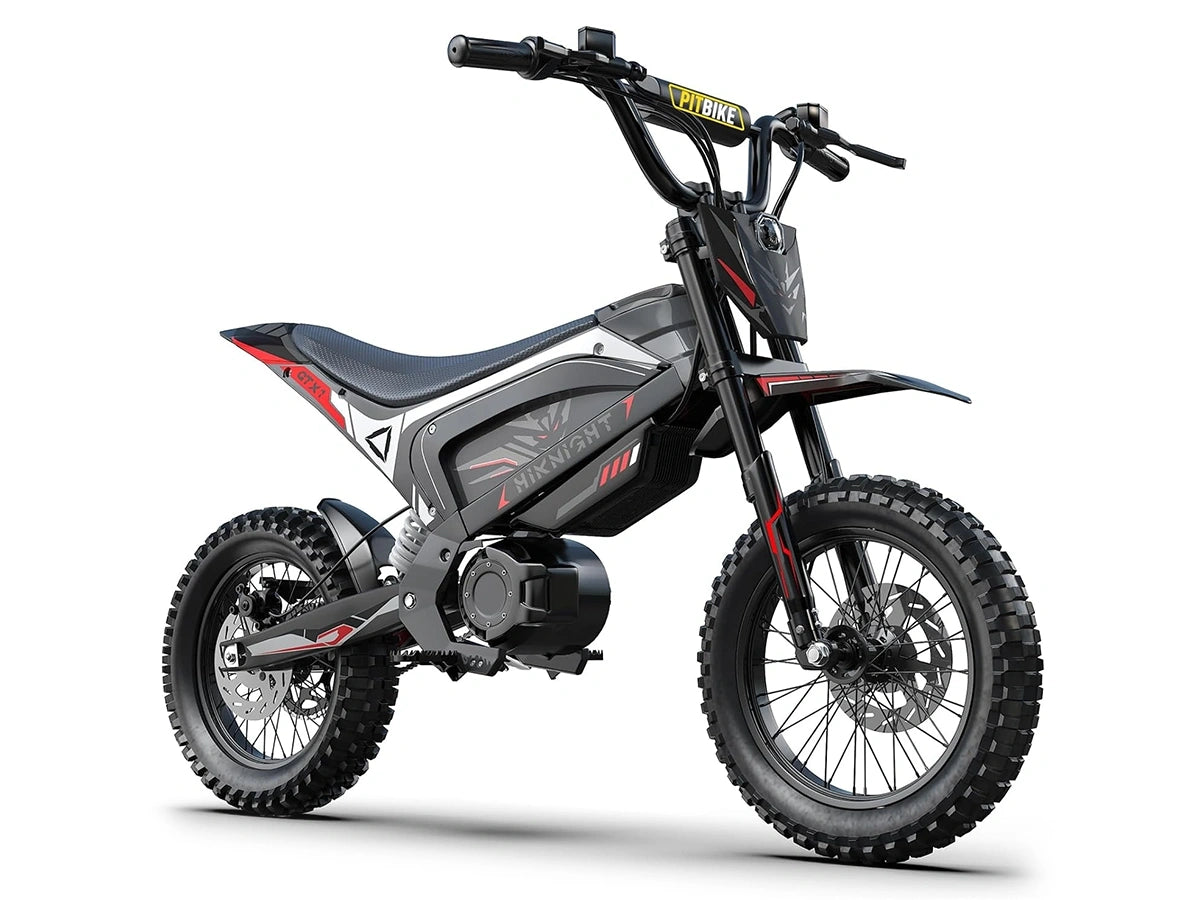
But out of the box, the tune left some performance on the table—especially in how the bike responded when you asked for more in the mid-to-upper RPM range.
So I went into the controller, loaded a more aggressive (but still smooth) base tune, and then put real miles on it: launches, hills, speed runs, and some light stunt riding.
A quick note on safety
If you’re going to unlock more speed and sharper response, gear up and give yourself room. I ran proper helmet/gloves, and I’m picky about where I test top speed.
What I used: a simple plug-in Bluetooth module
The key to all of this is a FarDriver Bluetooth dongle.
Once I confirmed the GTX1 is running a FarDriver controller, the install was straightforward:
I pulled the cover to access the controller.
Found the 4-pin connector.
Plugged in the Bluetooth dongle.
Connected via the FarDriver app and loaded the tune.
One important quirk: for the controller to function properly after you’re done, you need to disconnect the Bluetooth module.
The tune: what I changed (high level)
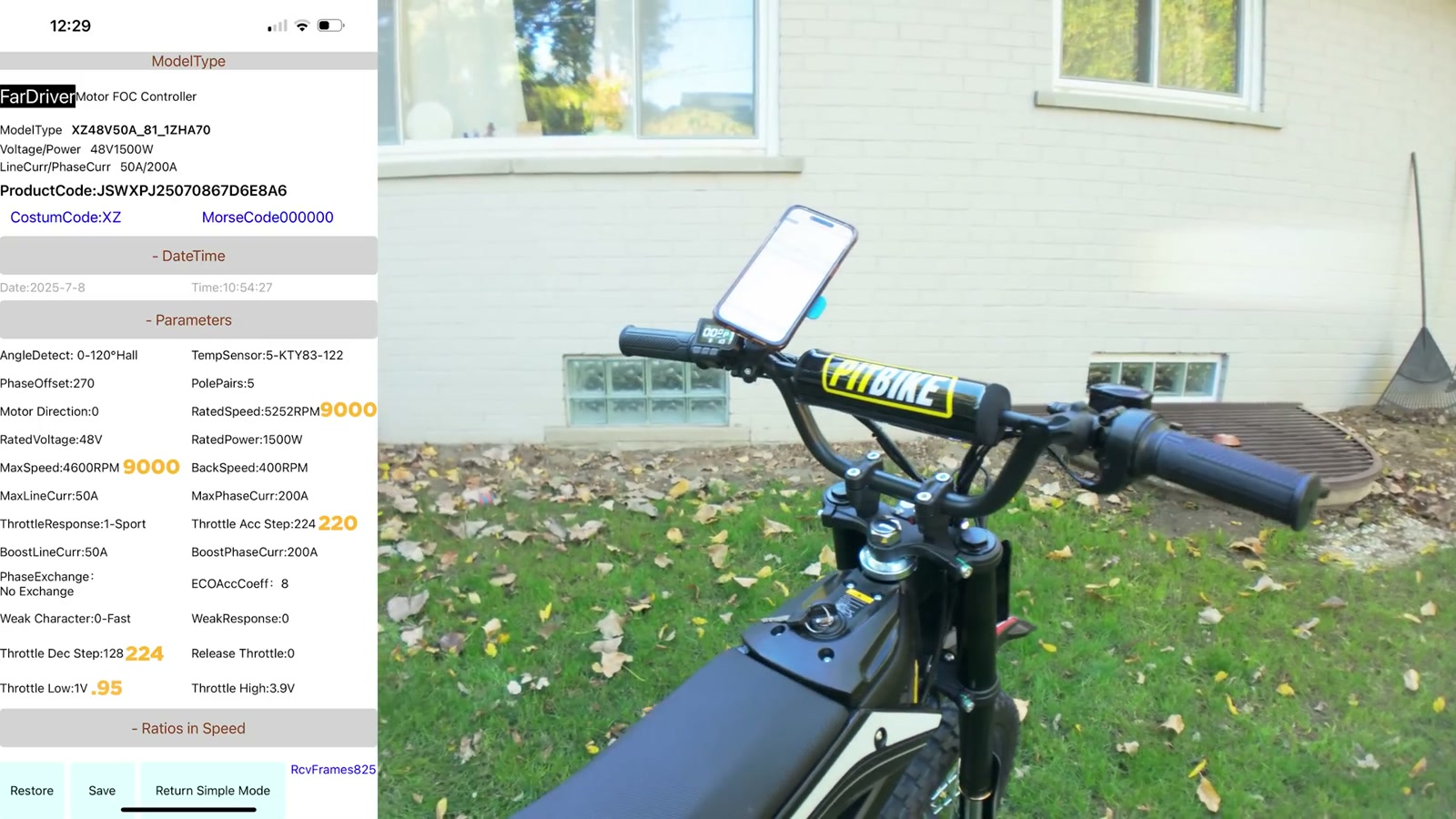
I used a base tune that was shared with me from Econic Cycles and then adjusted the settings in the FarDriver app.
I’m not going to pretend everyone needs to copy exact numbers blindly, but the theme was:
Raising the RPM-related speed ceilings
Smoothing/reshaping throttle behavior
Adjusting speed/ratio maps so the bike doesn’t feel choked in the mid/high range
Disabling regen
Tweaking 3-speed behavior so each mode feels more intentional
The result wasn’t just “more power.” It was a better, more usable delivery—especially as the bike starts spinning up.
Bench test reality check
With the wheel in the air (no rider load), I saw the speedo touch 97 km/h (about 60 mph). That’s not what you should expect on the ground, but it did confirm the tune removed a big limiter and let the motor spin.
Real-world speed always drops under load, and that’s what mattered to me.
Real-world testing: speed runs and hills
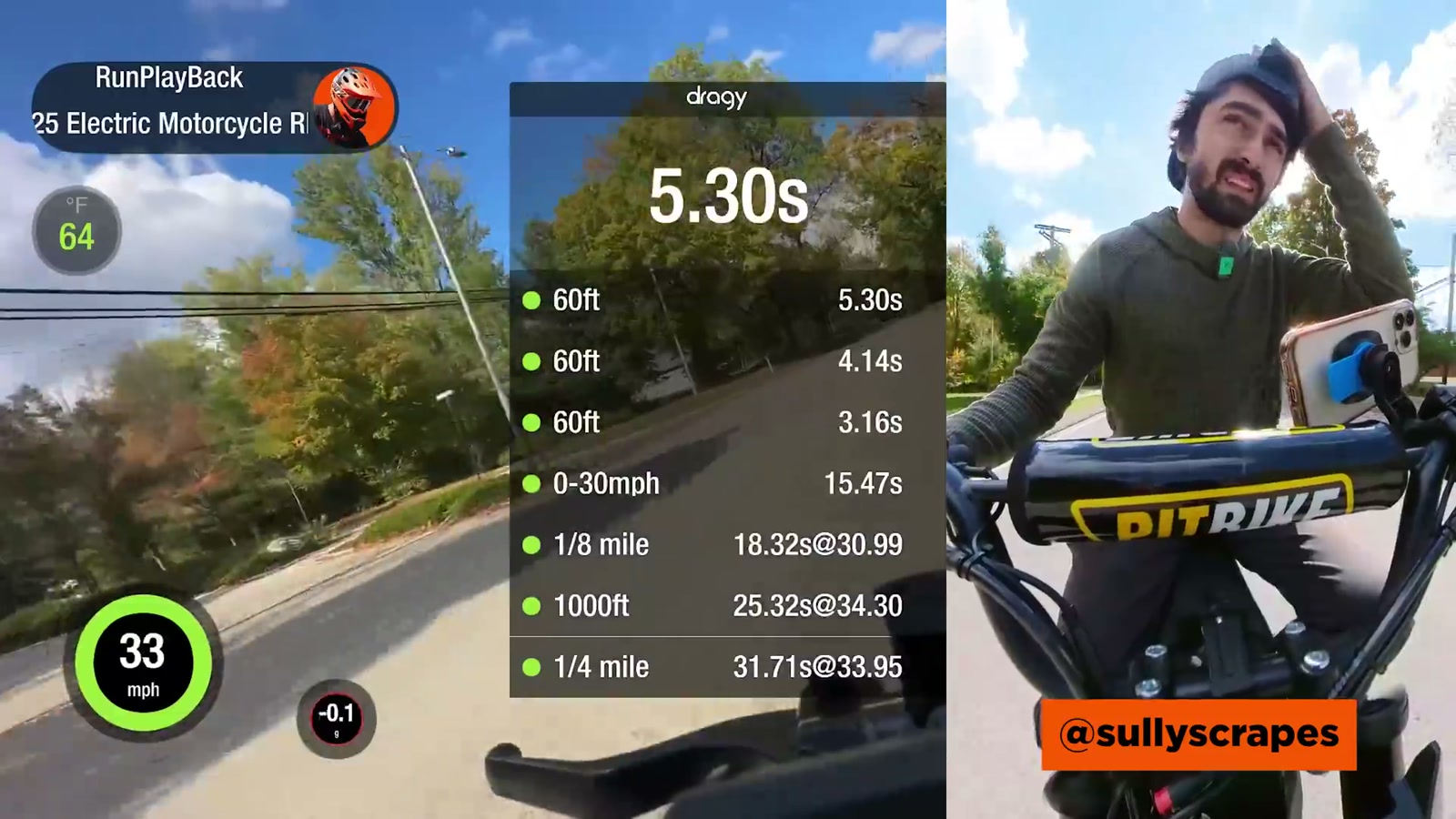
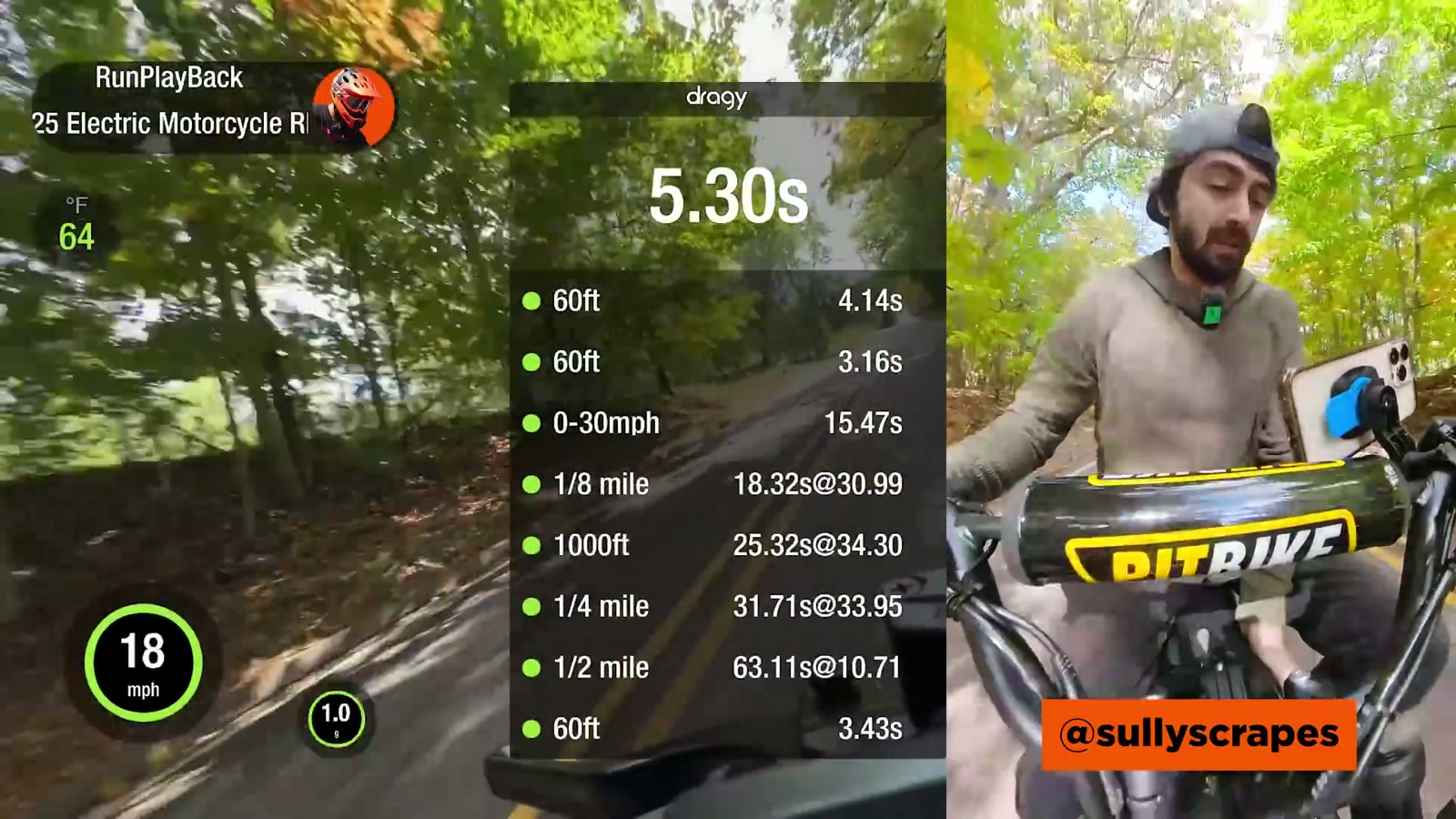
On-road with GPS-based testing, the GTX1 ran up to about 36 mph in my pulls. It was close to 35 and then finally clicked over to 36 with a bit of room.
Uphill, it’ll still climb, but it’s not suddenly a drag-race monster. It pulls the hill and keeps accelerating, just not with that instant “rip your arms off” hit you’d get from a more torque-biased setup.
That’s the honest character of this bike:
Fun, quick, and responsive after the tune
Not built to dominate straight-line races
Ride impressions: where the tune actually changes the bike
This is where it got good.
Mode 1: still chill
In the lowest power level, it stayed pretty tame. If you want something calm for learning the bike, cruising, or handing it to a newer rider (in a controlled space), it still makes sense.
Mode 2: the “how it should’ve come” setting
Mode 2 is where I immediately felt the difference. The bike became more responsive and more eager, without feeling twitchy or unpredictable.
It’s also the mode where balance-point riding starts to feel easier because the bike responds better once the RPMs come up.
Mode 3: the biggest improvement
Mode 3 is the glow-up.
Throttle response feels sharper
It builds speed more convincingly
Wheelies at a rolling pace are noticeably easier than before
Before, the bike really wanted you to be creeping to pop the front up. After the tune, it’ll come up at a more normal rolling speed, which makes it feel more natural and less like you’re forcing it.
Stunt feel: geometry and suspension still carry the experience
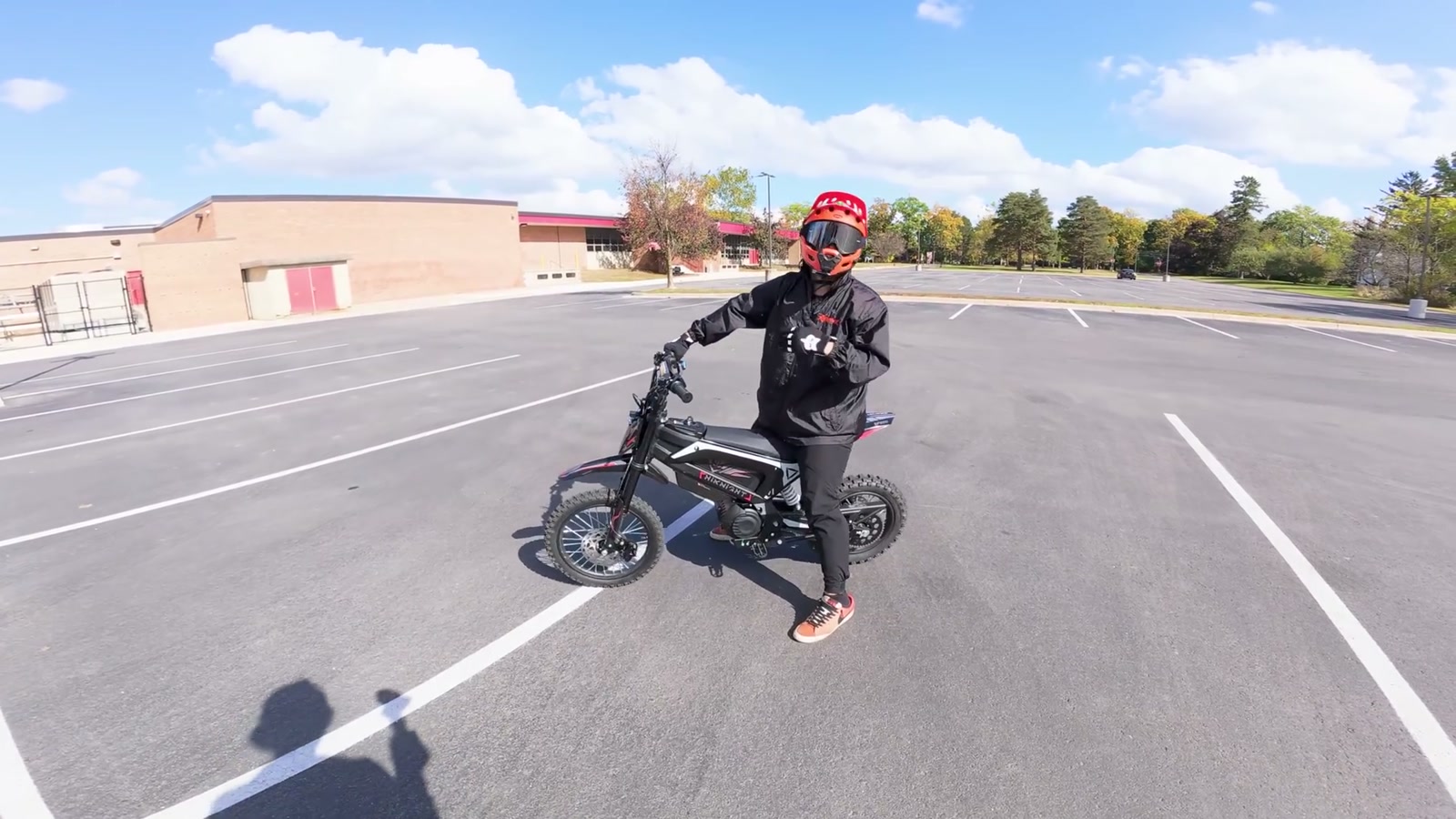
Even with the tune, what I like most about the GTX1 is that the bike feels forgiving once you’re up at balance point. It almost feels a touch “longer” and more settled than some similar minis.
The suspension deserves credit here too—it’s cushy, it takes the edge off rough spots, and it helps keep the front end composed when you’re playing with transitions.
One thing I don’t love: the seat can be slippery, and once you slide onto the plastic, it’s easy to lose your position fast. That’s not a dealbreaker, but it’s something I noticed immediately when pushing the bike a bit.
How it compares (quick, real talk)
Against a similar mini like the Yisama (a lot of you ask this), the GTX1 still feels like it’s more of a top-end / geometry bike.
The Yisama tends to have more of that low-end pop. The GTX1, especially with this tune, feels happier spinning up and carrying speed—while still being fun and predictable once it’s up.
What We Like
Huge improvement in throttle response (especially in power level 3)
Higher real-world top speed compared to the restricted feel stock
More usable power as RPM builds, not just a harsh hit
Geometry feels stable and forgiving at balance point
Suspension feels surprisingly cushy for this class
The upgrade path is simple: plug in the Bluetooth dongle, tune, unplug
Things To Consider
You need to disconnect the Bluetooth module after tuning for proper operation
Bench speed (wheel up) isn’t your real riding speed—test safely and realistically
This tune makes it more fun, but it’s still not a straight-line race bike
The seat/materials can be slippery when you start pushing stunt riding
Controller tuning has real consequences; small changes can have big effects
Final Thoughts
This was one of the easiest “big feel” upgrades I’ve done on a mini electric dirt bike.
The GTX1 already has a chassis I genuinely like, and the new tune finally lets the bike feel awake—especially in mode 2 and mode 3. It’s smoother, more responsive, easier to ride the way I want to ride it, and it picks up speed in a way that feels less restricted.
If you own a GTX1 and you’re happy with the bike but wish it had more urgency and a higher ceiling, tuning the FarDriver controller with a Bluetooth dongle is the first thing I’d recommend.