
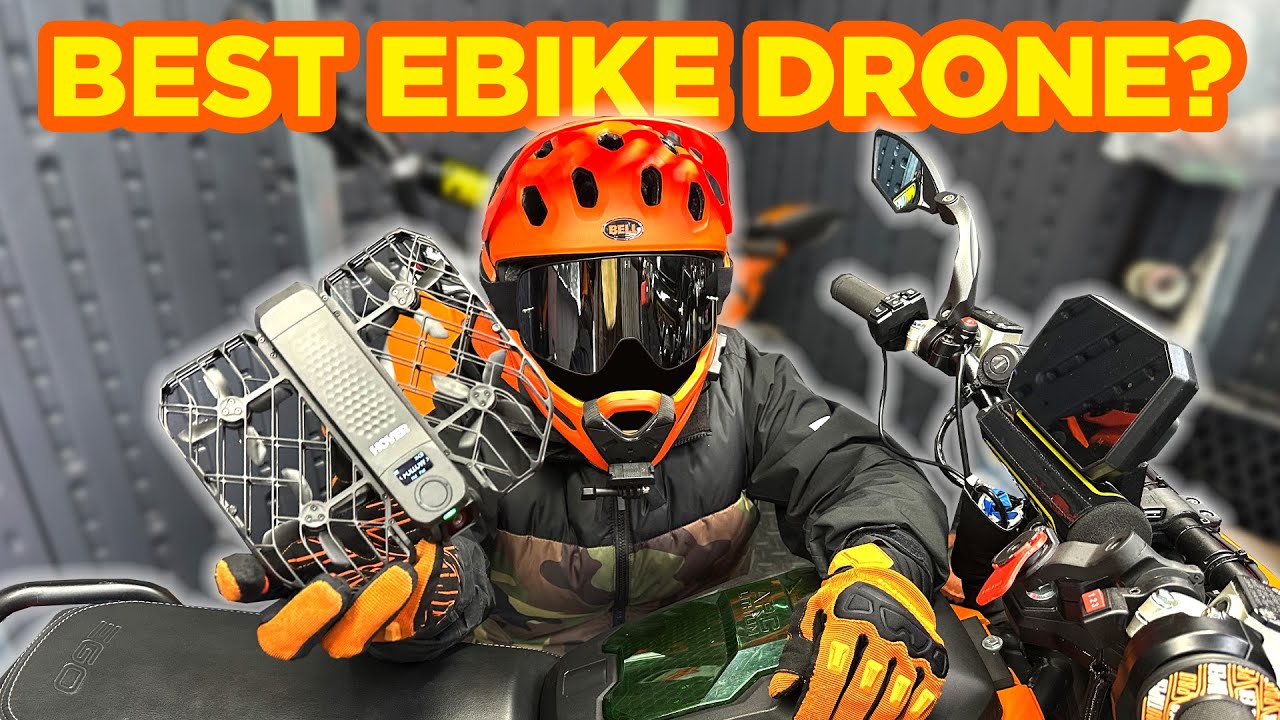
HOVERAir X1 Pro for E-Bike Filming: The Pocket Tracking Drone I Actually Want to Bring
November 30, 2024
Some links in this article may be affiliate links. If you buy through them, we may earn a small commission at no extra cost to you.
If you’ve ever tried to film an e-bike ride solo, you already know the pain: mounting a camera gets repetitive, asking a friend to chase you isn’t always possible, and big drones can be a hassle (and a little intimidating) in public.
Read more: HOVERAir X1PRO and Bell Super 3R MIPS Bike Helmet
Read more: HOVERAir X1PRO and Bell Super 3R MIPS Bike Helmet
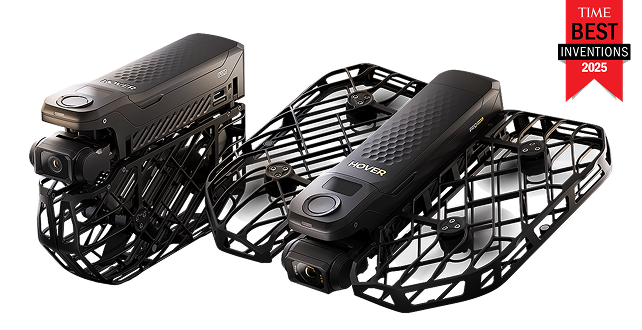
So I spent time with the HOVERAir X1 Pro as a dedicated e-bike “action drone” setup—something I can toss in a bag (or honestly, a pocket), launch fast, and trust to track me while I ride.
Here’s how it went in the real world.
First impressions: built to live in my ride kit
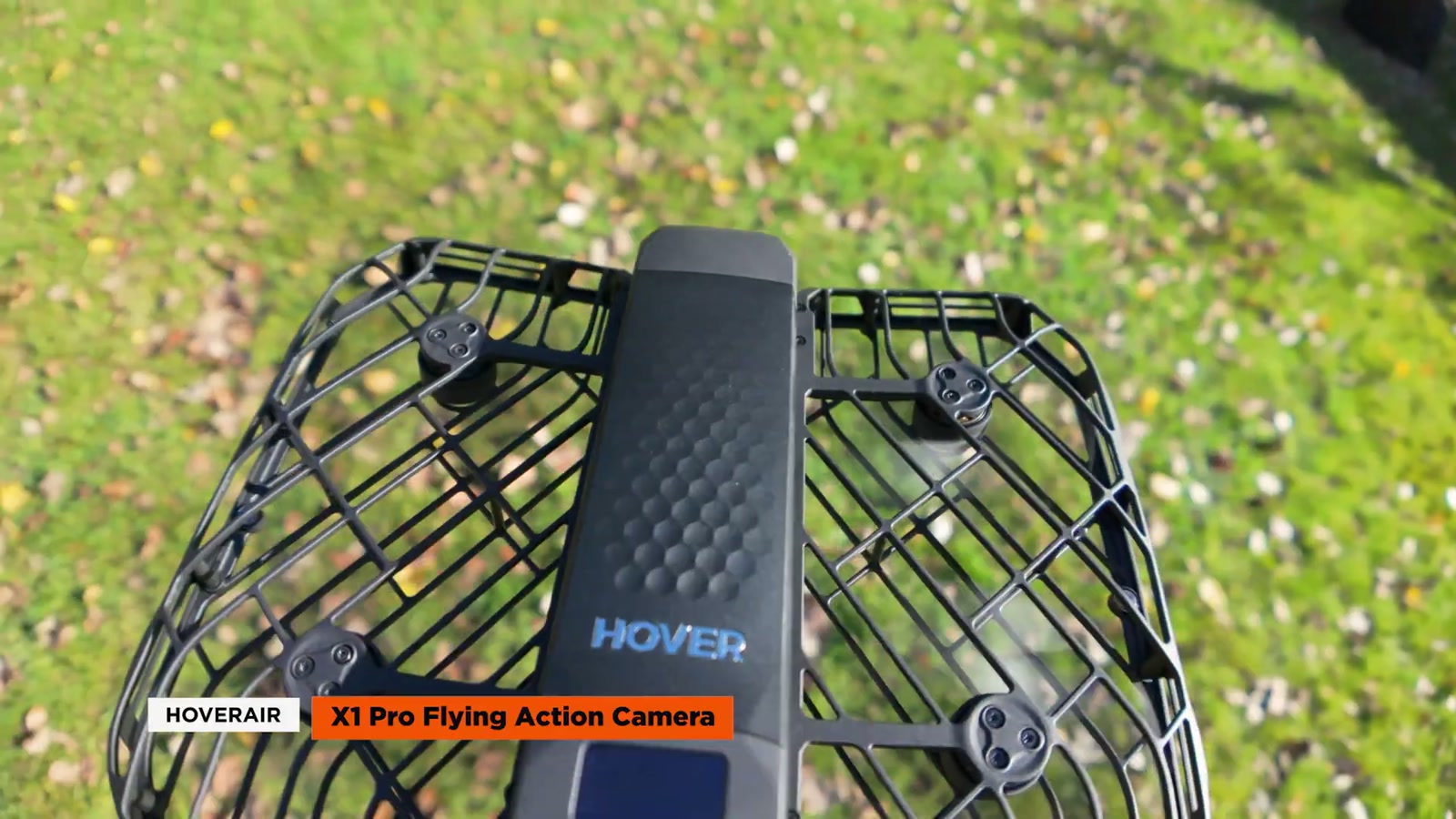
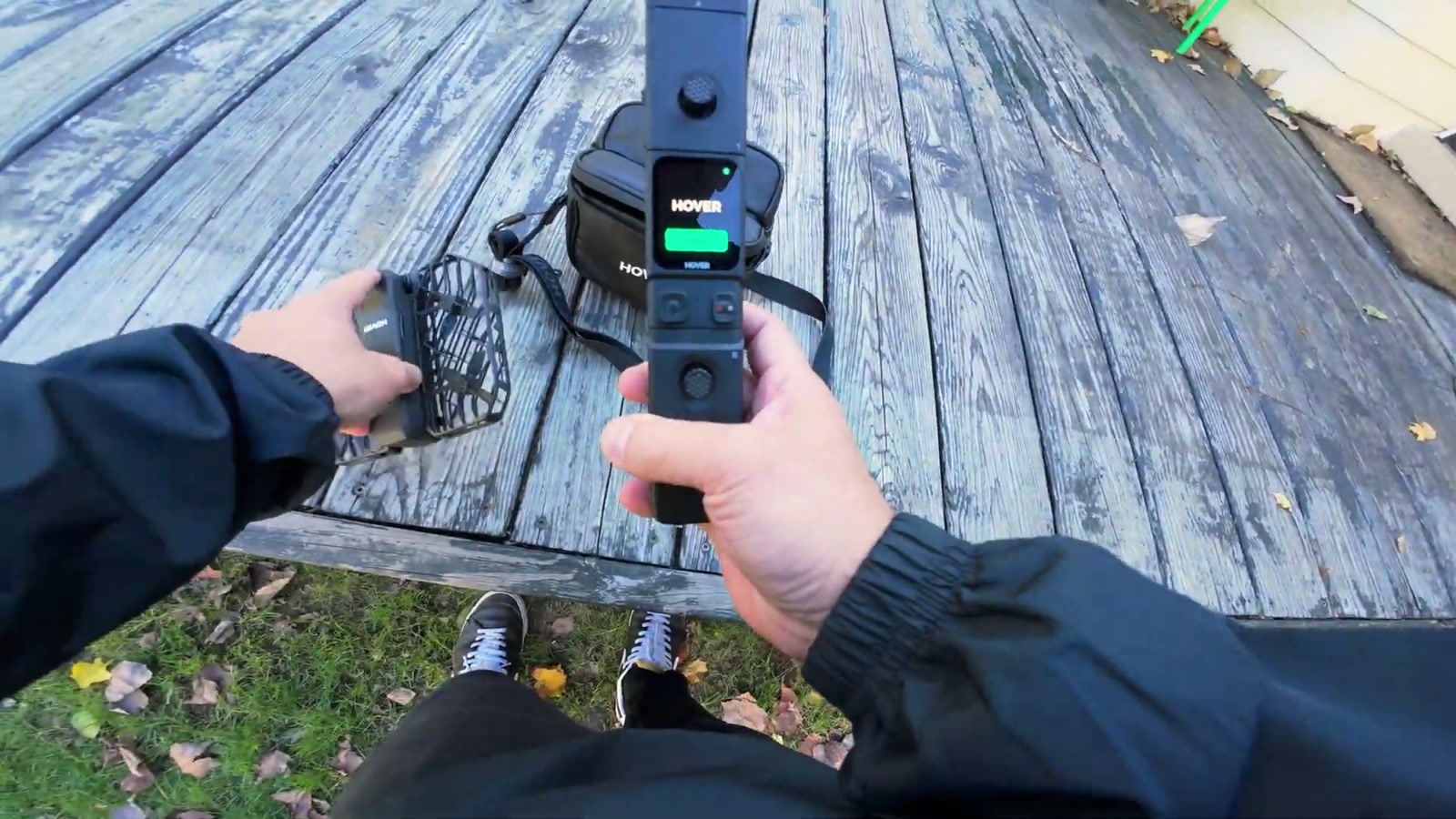
The first thing that hit me was the size. It’s compact and very easy to carry, and the folding design does a great job of keeping everything tidy. It feels premium in-hand and doesn’t give off that “toy drone” vibe.
The battery pops in on top and it’s simple to swap—exactly what I want when I’m trying to grab multiple runs without turning filming into a whole production.
It also comes with a handy case, but the bigger point is I don’t really need one. This is the kind of drone I’ll actually bring, which is half the battle.
The setup that matters for e-bikes: Beacon + quick mode switching
For e-bike reviews, I care about tracking more than anything—especially when I’m doing faster passes, turns, and mixed terrain.
The X1 Pro kit I tested included the Beacon and a joystick accessory. The Beacon is the secret sauce for what we do: it gives you a more reliable “lock” while you’re moving, and it’s especially useful when you’re riding farther away and doing maneuvers.
I like that I can change modes right on the Beacon, then jump back into preview and roll. I didn’t have to overthink it once I got the flow down.
Flight modes in real life: a mix of useful and “I’ll probably never use that”
The X1 Pro has a bunch of automated modes. Some are genuinely practical, and some feel more like they exist for fun or for very specific one-off shots.
Hover mode
Hover mode is basically a stationary “cameraperson” that pans and keeps you framed. The tracking held onto me well even as I moved around.
Do I see myself using it constantly for e-bikes? Not really. But it’s nice for quick intro/outro shots or if you want something simple without the drone drifting around.
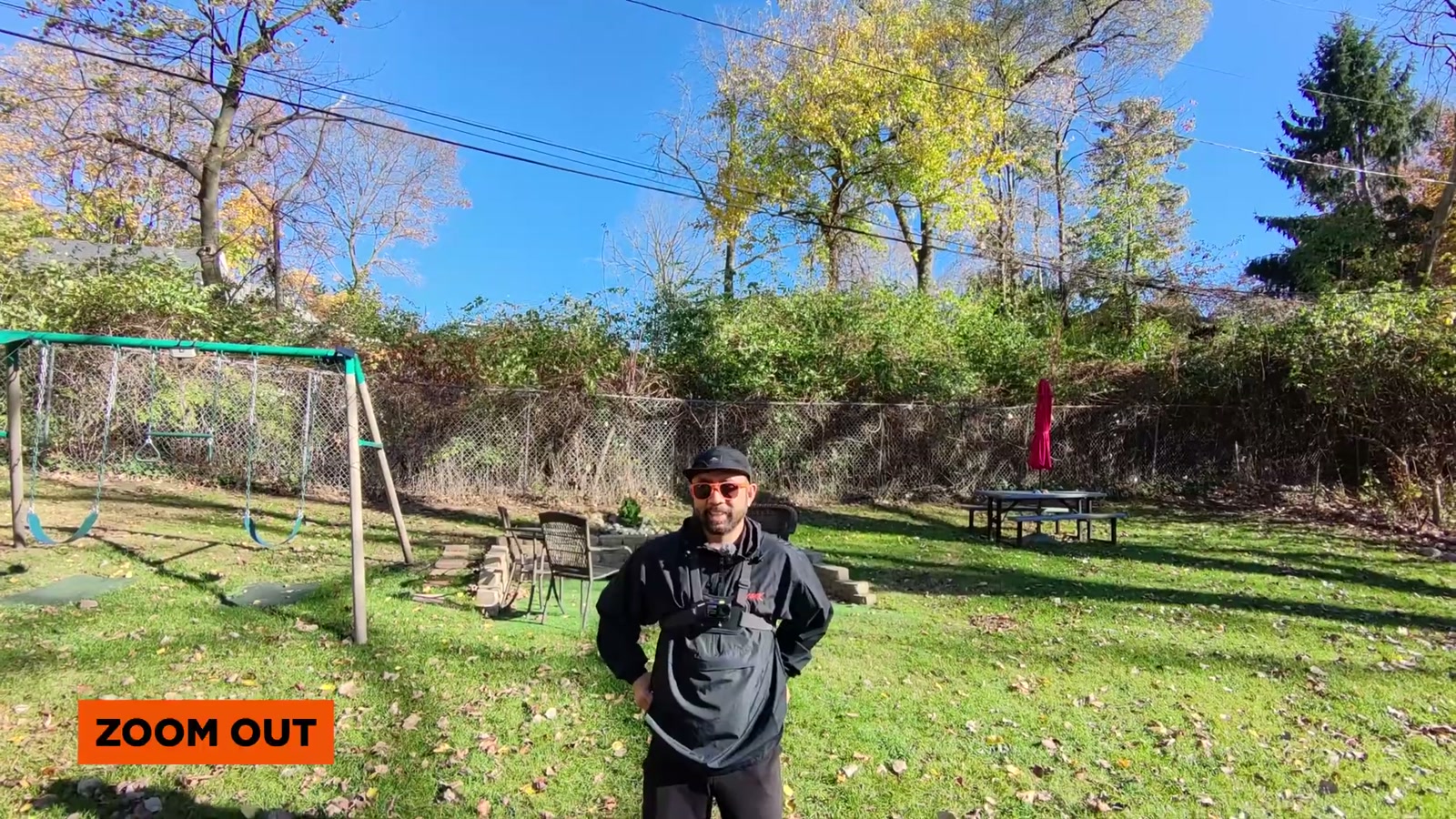
Zoom Out, Orbit, Bird’s Eye
These modes are cool, but they feel like “preset moves.” They do the move, then that’s kind of it.
Orbit looks great when it works, but I found myself wishing it could be more continuous by default instead of feeling like a single pre-planned shot.
Bird’s Eye is exactly what it sounds like: it climbs to the set height, gives you that overhead look, and then returns. It’s a very specific angle—useful sometimes, but not the backbone of an e-bike filming workflow.
The modes I’d actually use for e-bike reviews
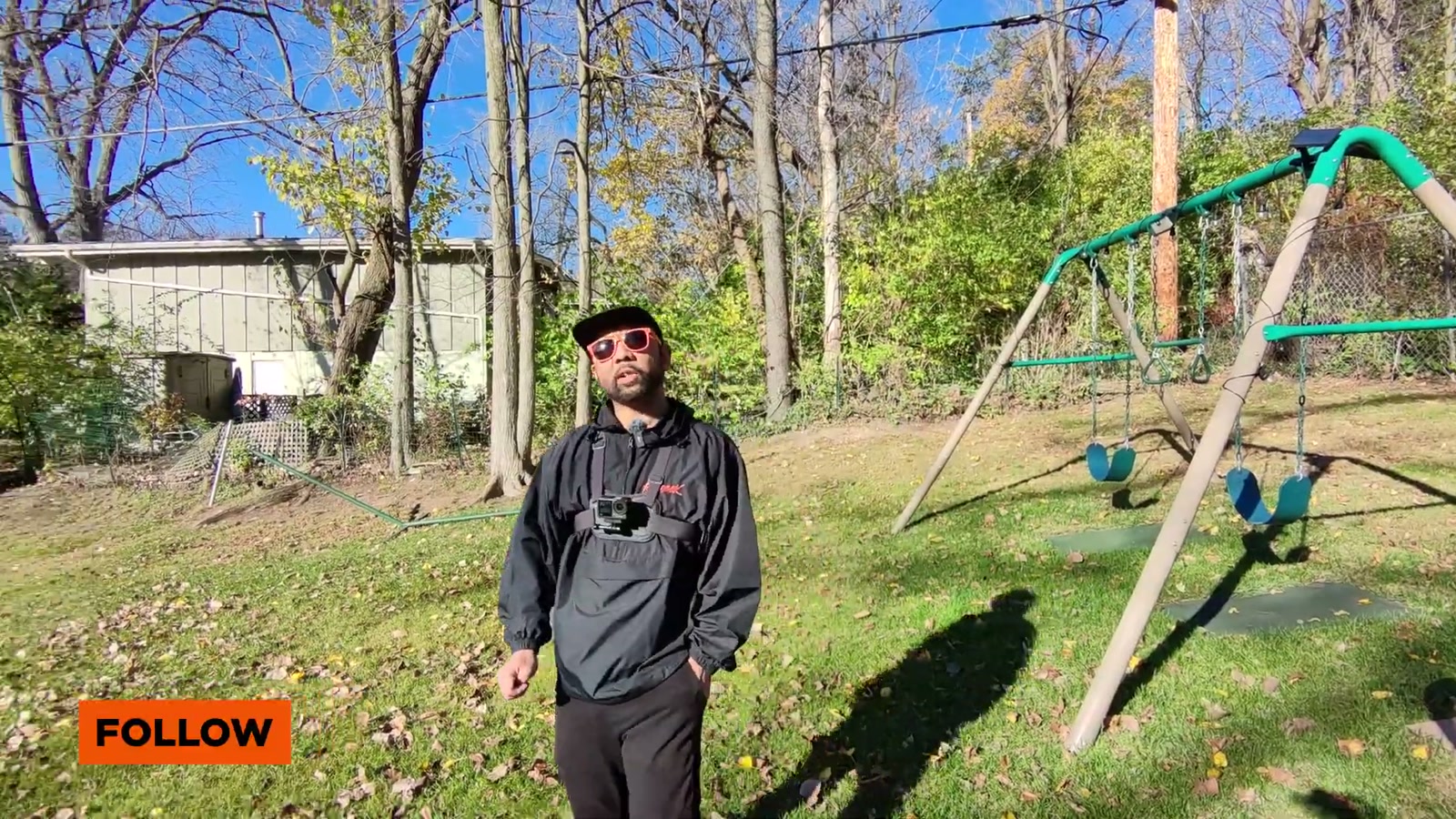
Follow mode
Follow is the basic “stick behind me and keep up” option. When it’s locked in, it’s simple and effective for riding away from the camera.
One thing I noticed: it didn’t naturally back up when I moved toward it the way I’d want for certain face-forward shots.
Dolly Track mode (my favorite)
Dolly Track was the mode that felt most “made for e-bikes.” This is where the X1 Pro started to feel like a real tool instead of a gadget.
When I approached the drone, it backed up to keep me framed—great for those front-facing rolling shots. And I also got some side-tracking behavior that looked awesome and added variety without needing a second person.
The tradeoff: because it may back up to maintain framing, you still need to be mindful of what’s behind it. It has collision sensing, but I wouldn’t treat it like a magic forcefield—especially if you’re doing quick direction changes in tight spaces.
Gesture controls: surprisingly useful
Stopping a take by holding out my palm and having the drone respond felt way more natural than fumbling with buttons mid-ride session. It’s one of those features that sounds gimmicky until you use it, and then you realize how much it helps when you’re filming solo.
Manual flying with the joystick: handy in a pinch
The joystick setup gives you manual control with a small integrated screen. Personally, I like not having to pull my phone out and mount it every time.
In manual flight, I was able to maneuver around obstacles and even adjust the camera angle for different looks. Controls felt responsive, though I did notice a bit of “drift” feeling during turns.
I don’t think I’d buy this drone primarily for cinematic manual flight the way I would with other platforms, but for quick overheads, simple repositioning, or grabbing a controlled shot when I need it, it works.
The e-bike test: tracking that kept up with real riding
This is the part that matters.
Once I had the Beacon connected and set the mode from the Beacon itself, the X1 Pro tracked me well while riding in a park environment. I took it over pavement, onto grass, up and down curbs, and through bumpy sections.
The big win: it kept up as I picked up speed and changed direction, and the footage felt like the drone was actually “on the job” instead of barely hanging on.
I also did some controlled wheelies (because of course I did), and the tracking stayed locked without freaking out.
One odd moment: the drone auto-landed during a Dolly Track run and I didn’t command it to do that. The good news is it came down in the takeoff area and didn’t do anything sketchy—but it’s still something I’m keeping in mind for longer sessions.
Overall, the power and tracking feel like a step up from smaller “quick follow” drones I’ve used, and it’s dramatically easier to live with than a big, loud setup that draws attention.
Footage workflow notes (the stuff you feel in editing)
The X1 Pro records 4K up to 60 fps, and the ultrawide view makes it easier to keep a rider in frame—especially on winding paths.
Electronic image stabilization did a solid job smoothing out the ride-induced jitters.
One important limitation for my workflow: there aren’t color profile settings for grading flexibility. If you’re picky about matching cameras or doing heavier color work, that’s a real consideration.
What We Like
Extremely portable and easy to bring on rides
Beacon-assisted tracking is genuinely effective for e-bike filming
Dolly Track is a standout mode for dynamic, ride-along shots
Gesture controls make solo filming smoother
Manual control option is there when I need it
Built-in storage plus expandable storage means fewer “I ran out of space” moments mid-session
Things To Consider
Some flight modes feel more like novelty presets than everyday creator tools
No flat/log-style color profile options for deeper color grading flexibility
I experienced an unexpected auto-landing once during a ride test
Like any tracking drone, you still need to think about the environment—especially when it’s backing up to maintain framing
Final Thoughts
For e-bike reviews and ride content, the HOVERAir X1 Pro fits the role I actually need: a compact drone I’ll bring every time, with tracking that can keep up when I’m moving fast, turning, or hitting rougher terrain.
I’m not going to pretend I’ll use every cinematic preset mode, but the core experience—portable hardware, strong follow performance (especially with the Beacon), and a Dolly Track mode that gives me real variety—makes this feel like a legit upgrade for solo EV creators.
If your goal is capturing dynamic e-bike footage without hauling a bulky, attention-grabbing drone setup, this one makes a lot of sense.