

HOVERAir X1PRO Beacon Review: Three Ways I Fly It on E-Bike Rides
April 25, 2025
Some links in this article may be affiliate links. If you buy through them, we may earn a small commission at no extra cost to you.
If you’ve ever tried filming your own e-bike rides, you already know the pain: stopping to reposition a camera, guessing framing, or dealing with drones that feel twitchy when they’re supposed to be smoothly tracking you.
Read more: Share your best ride shots with #RideWithHOVERAir for a shot at $5K and HOVERAir X1PRO Cycling Combo
Read more: Share your best ride shots with #RideWithHOVERAir for a shot at $5K and HOVERAir X1PRO Cycling Combo

The HOVERAir X1PRO has been one of my favorite tools for ride footage because it leans hard into autonomous tracking. The Beacon is the secret sauce, and after spending real time with it in different setups, I’m convinced the Beacon isn’t just an accessory. It’s what makes the whole “grab it and go ride” workflow actually work.
What I like most is the modular idea: one controller, three different ways to fly. Depending on what kind of shot I’m after (or how much attention I can spare while riding), I can change the control style without changing the whole system.
Below is how each mode felt in the real world, what surprised me, and where the limits showed up.
The Beacon setup (the practical part)
The flow is straightforward: power the Beacon on, let it connect, and once it’s linked you’ll hear a voice prompt confirming manual control.
One thing I appreciated is that the Beacon doubles as a live preview screen, so I’m not guessing what the drone sees. That said, the preview can be harder to use in the one-hand “wand” mode because my wrist angle changes constantly, so the screen isn’t always at a friendly viewing angle.
Mode 1: One-hand motion control (wand-style flying)
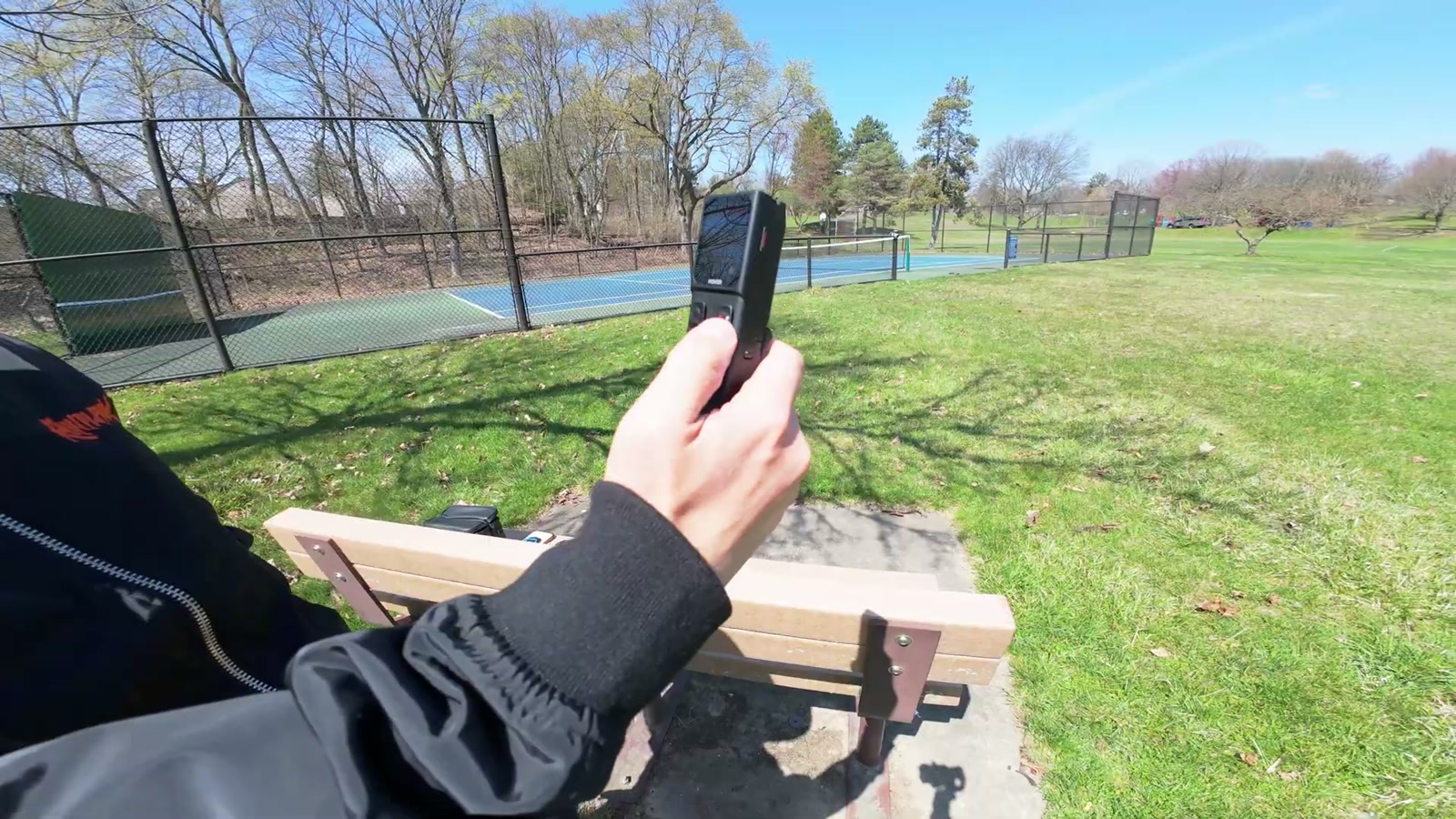
This is the most unique mode: I attach the right joystick module to the Beacon and fly it one-handed.
The controls make sense after a few minutes, but it wasn’t instantly natural for me. The joystick handles up/down and panning left/right, and then forward/back movement happens when I hold the trigger and physically “point” the controller like a wand.
How it felt
It’s workable for simple moves and quick positioning.
It took me a bit to stop feeling clumsy. I’m more comfortable with traditional two-stick flying.
It’s a cool way to grab a cinematic little reveal if you’re patient and practice the motion.
Return-to-home reality check
Holding the home button triggers a return-to-beacon behavior, but you still need to think about where you launched. When I tried it under trees, the drone’s path made it obvious that “returning” could put it somewhere I didn’t want (like aiming to come down into branches).
The good news: canceling out was easy, and I was glad the system gave me the chance to intervene before anything got sketchy.
Landing is painless
The hand-catch style landing is one of my favorite parts of using this drone in general. I put my hand underneath it and it shuts down cleanly.
Mode 2: Two-hand control (traditional sticks + Beacon as monitor)
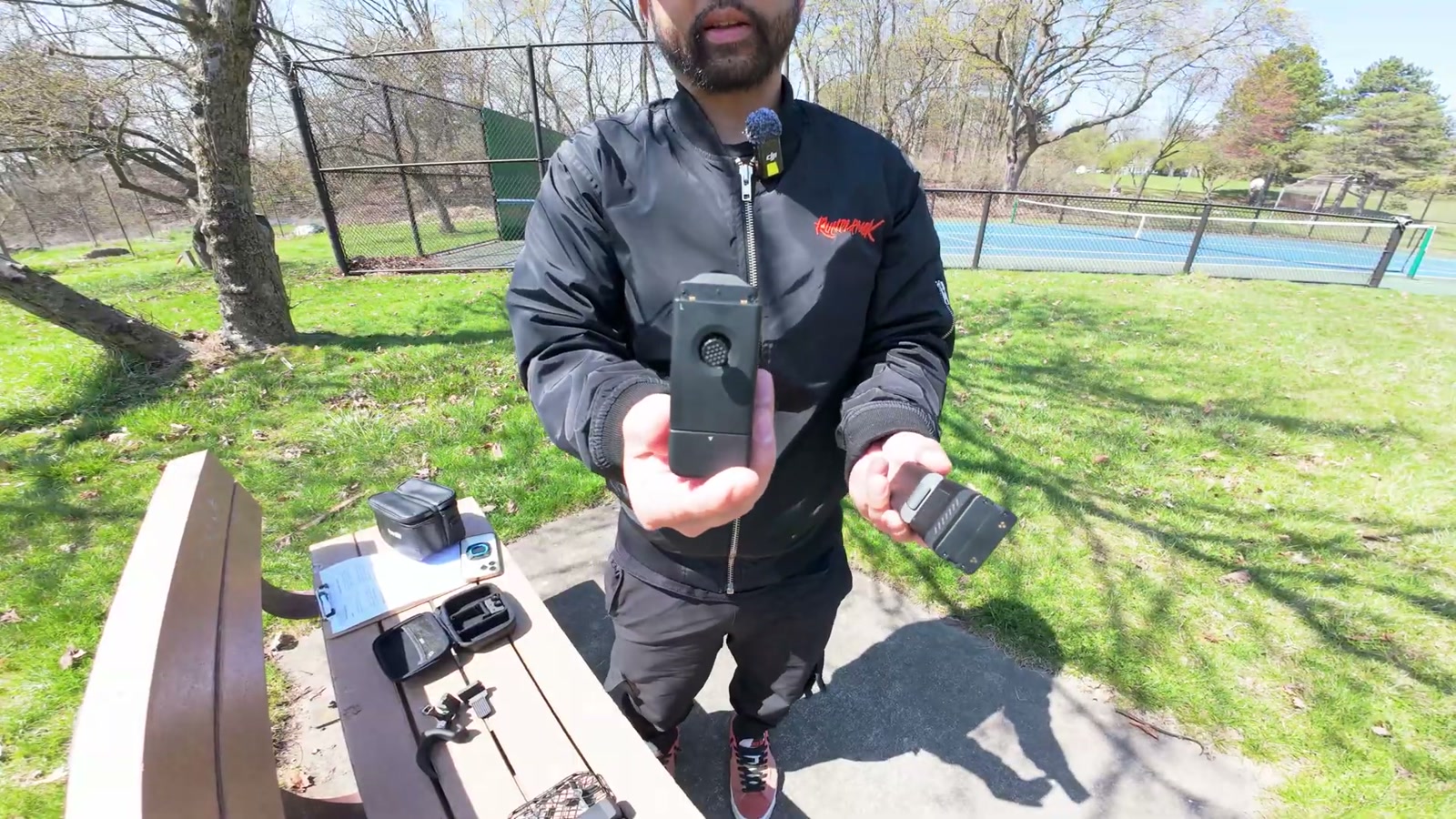
This is the mode that immediately felt like home. I snap the left side on, unfold the grips, and now it’s a more traditional two-stick controller with the Beacon acting as my screen.
How it felt
The drone responded smoothly and predictably.
I had way more precision than with the one-hand motion setup.
The overall flight felt stable and confidence-inspiring.
The gimbal control is a big deal
Being able to tilt the camera up and down while flying made it much easier to do cinematic passes and “pan down” reveals over parks, trails, and tree lines. It’s the kind of simple control that helps footage look intentional instead of accidental.
Return-to-home still requires awareness
Just like in one-hand mode, return-to-home can potentially route the drone over obstacles (like trees). I treat it as a convenience feature, not a “turn your brain off” feature.
Mode 3: Standalone Beacon control (autonomous tracking on an e-bike)
This is where the HOVERAir X1PRO + Beacon combo really shines for EV lifestyle content.
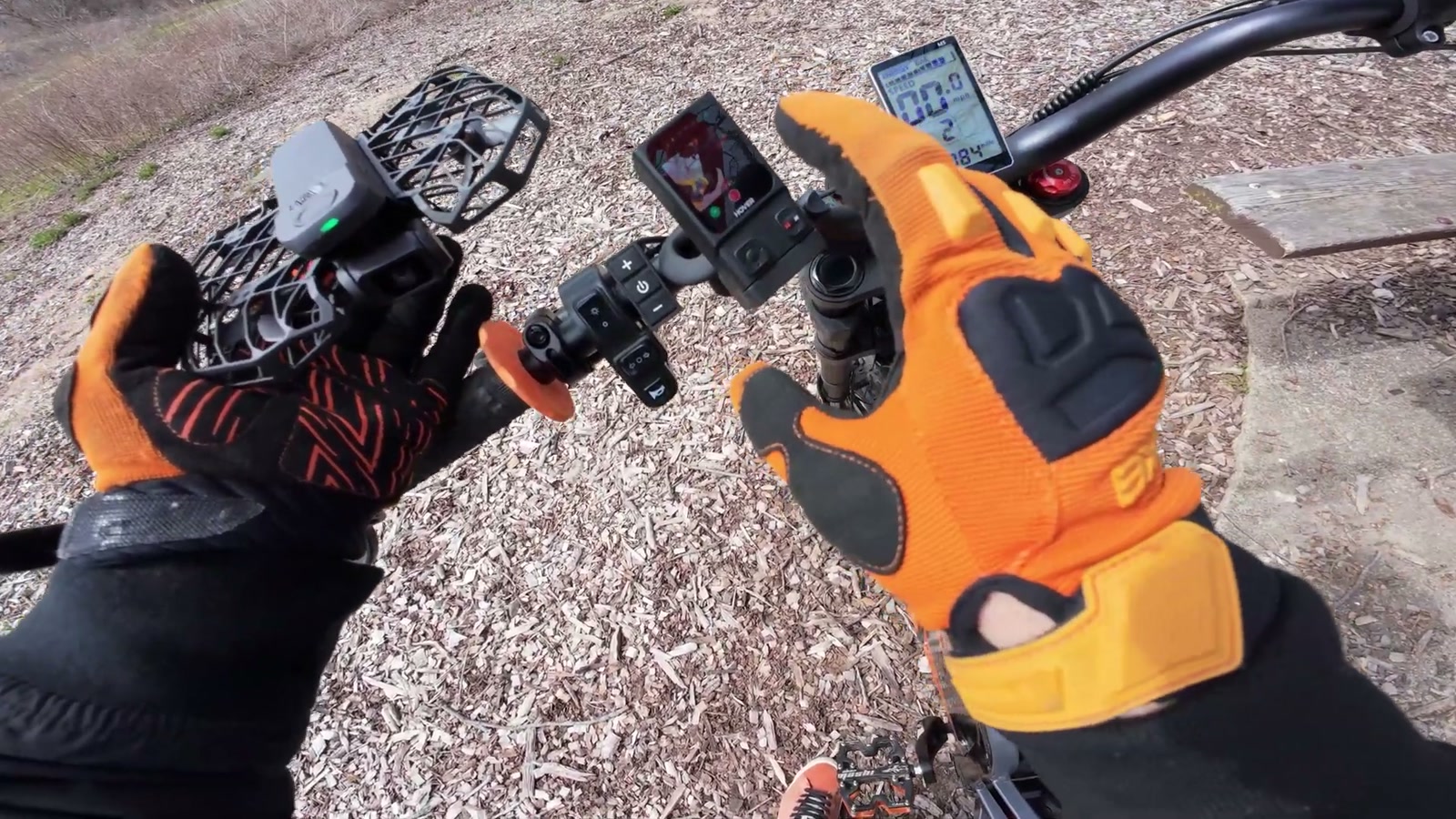
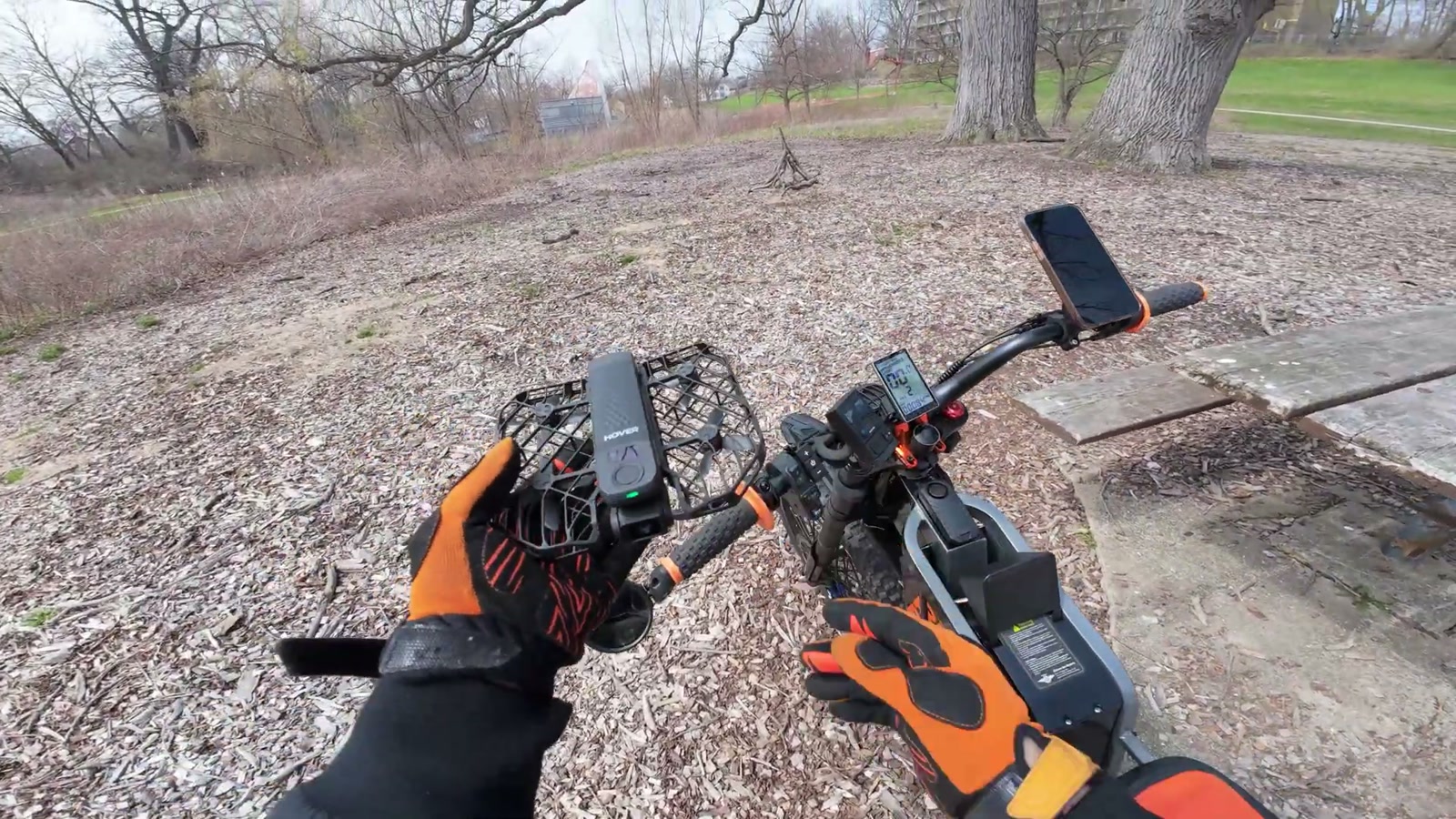
I mounted the Beacon to my bike, switched into a riding-friendly mode (I tested cycling mode and also had good luck with ski mode for e-bike filming), and just rode.
The ride impressions
Tracking was the headline. I rode around a park, up and down inclines, onto grass, through loose terrain, and mixed in turns and swerves. The drone stayed with me.
What stood out wasn’t just that it followed—it was how smooth the transitions looked when it panned left and right to keep me framed. In my experience, that’s where a lot of drones fall apart, and where footage starts to look jittery. Here, the tracking felt composed.
It also felt more unassuming in use—lighter, quieter, and less “in your face” than bigger, more aggressive-looking drones.
Why this matters for e-bike filming
When I’m actually riding, I don’t want to babysit a drone. I want it to:
lock on,
stay stable,
handle changes in speed and direction,
and keep footage usable without a ton of retries.
This setup got me closer to that ideal than the other drones I’ve tried for similar work.
Beacon audio test (useful, but not my personal workflow)
I clipped the Beacon to my jacket and tested recording audio while riding.
Yes, you can hear the drone’s propellers. And yes, the HOVERAir app can filter prop noise in a way that helps. But for the kind of content we do, audio is too important for me to compromise.
Personally, I’d rather run a dedicated audio recorder/mic setup and keep the Beacon in a place where I can glance at it for framing and status.
Real-world limitations I ran into
No drone in this category is perfect, and this one isn’t either.
Battery life
I wanted more runtime. It’s not a dealbreaker, but it does influence how I plan rides and how many takes I attempt before I’m thinking about conserving power.
Side-profile shots are tough
For e-bike reviews, I love a true profile tracking shot where the camera stays off to the side as I ride. With this setup, that’s not really the strength. I can do a dolly track, but it doesn’t naturally give me that consistent side-follow look I want.
What We Like
Three control styles with one modular system (one-hand, two-hand, standalone)
Standalone tracking is extremely convenient for e-bike rides
Smooth panning and tracking transitions in real riding conditions
Two-hand controller mode feels precise and responsive
Beacon live preview makes it easier to frame shots without guessing
Lightweight and more unassuming in public spaces
Things To Consider
Return-to-home can create awkward paths around trees/obstacles depending on launch point
One-hand motion control takes practice (it wasn’t immediately intuitive for me)
Battery life may feel short if you’re filming long rides or doing lots of takes
Consistent side-profile follow shots aren’t this drone’s strongest look
Beacon audio is usable, but prop noise is still a factor (I prefer separate audio)
Final Thoughts
If your goal is to film your e-bike rides without turning every shoot into a production, the HOVERAir X1PRO with the Beacon is one of the most practical setups I’ve used.
Two-hand mode gives me the classic “I want to fly and frame this precisely” control. Standalone mode is the reason I keep reaching for it: I can just ride, and it reliably tracks with smooth, natural-looking movement.
I still want better battery life, and I still wish it nailed those perfect side-profile shots. But for the core job—reliable, smooth autonomous follow footage that fits an EV lifestyle workflow—this combo has earned a permanent spot in my gear.