
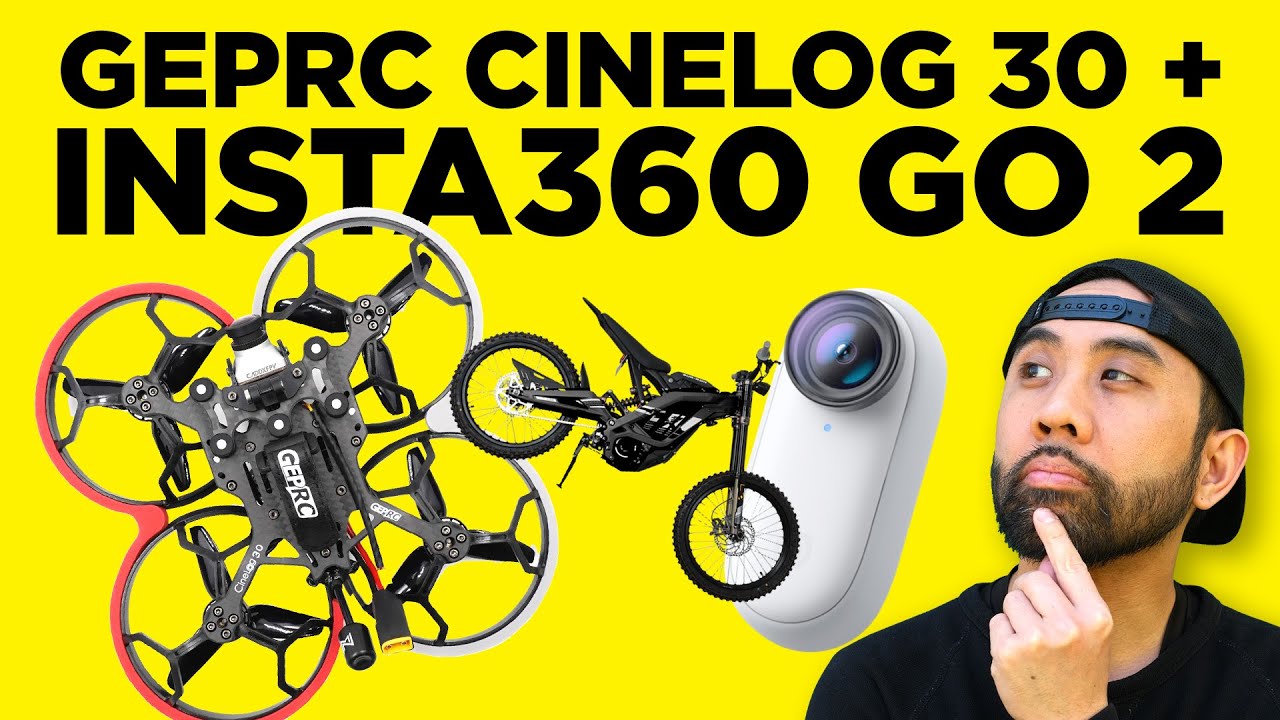
Relearning FPV with the GEPRC CineLog 30 + Insta360 GO 2: What It’s Like Chasing an E-Bike
March 5, 2022
Some links in this article may be affiliate links. If you buy through them, we may earn a small commission at no extra cost to you.
FPV has always had this weird pull for me. It’s equal parts technical, creative, and humbling—especially when you’re shaking the rust off.
Read more: Want a discount on your Insta360 GO 2 camera? Use our promo link here and GEPRC CineLog30 RTF

This time around I jumped back in with the GEPRC CineLog 30 cinewhoop and paired it with an Insta360 GO 2. My goal was simple: get usable, stable footage without babying a full-size action cam, and see if this tiny camera + small cinewhoop combo could realistically capture EV lifestyle riding—specifically chasing a Sur-Ron—without feeling like I’m one mistake away from destroying expensive gear.
Here’s how it went after unboxing, mounting, flying in not-so-great conditions, tweaking my setup, and finally getting a couple chase passes.
The gear and why I picked this combo
GEPRC CineLog 30: small, protected, and purpose-built
The CineLog 30 is a cinewhoop-style quad with prop guards, and that changes the whole vibe. It’s still FPV (so it’ll punish sloppy inputs), but the ducted/guarded form factor feels more appropriate around people, objects, and tighter environments than an open-prop freestyle quad.
I went with the ready-to-fly CineLog 30 kit, which made the “get in the air” process way faster. The version I used includes an HD digital FPV setup (Vista system with a Polar HD camera) that works with DJI FPV gear.
Real talk: it’s small, it feels premium, and it’s the kind of drone that makes you want to go film stuff.
Insta360 GO 2: tiny camera, big impact
The Insta360 GO 2 is almost comically small—more like an accessory than a camera until you actually start using it.
What mattered for my use:
It’s quick to mount.
It’s easy to protect.
It has stabilization that can make imperfect FPV look way more intentional.
The charging case is also a sleeper feature. It charges the camera, but it also functions as a remote and even has little folding legs so you can prop it up as a stand.
Mounting the GO 2 on the CineLog 30
My CineLog 30 came with a naked GoPro 8 option, but I wanted to run the GO 2 instead.
To make that happen, I used a flexible 3D-printed mount (printed from a Thingiverse design). The GO 2 slides into the mount and feels snug and protected.
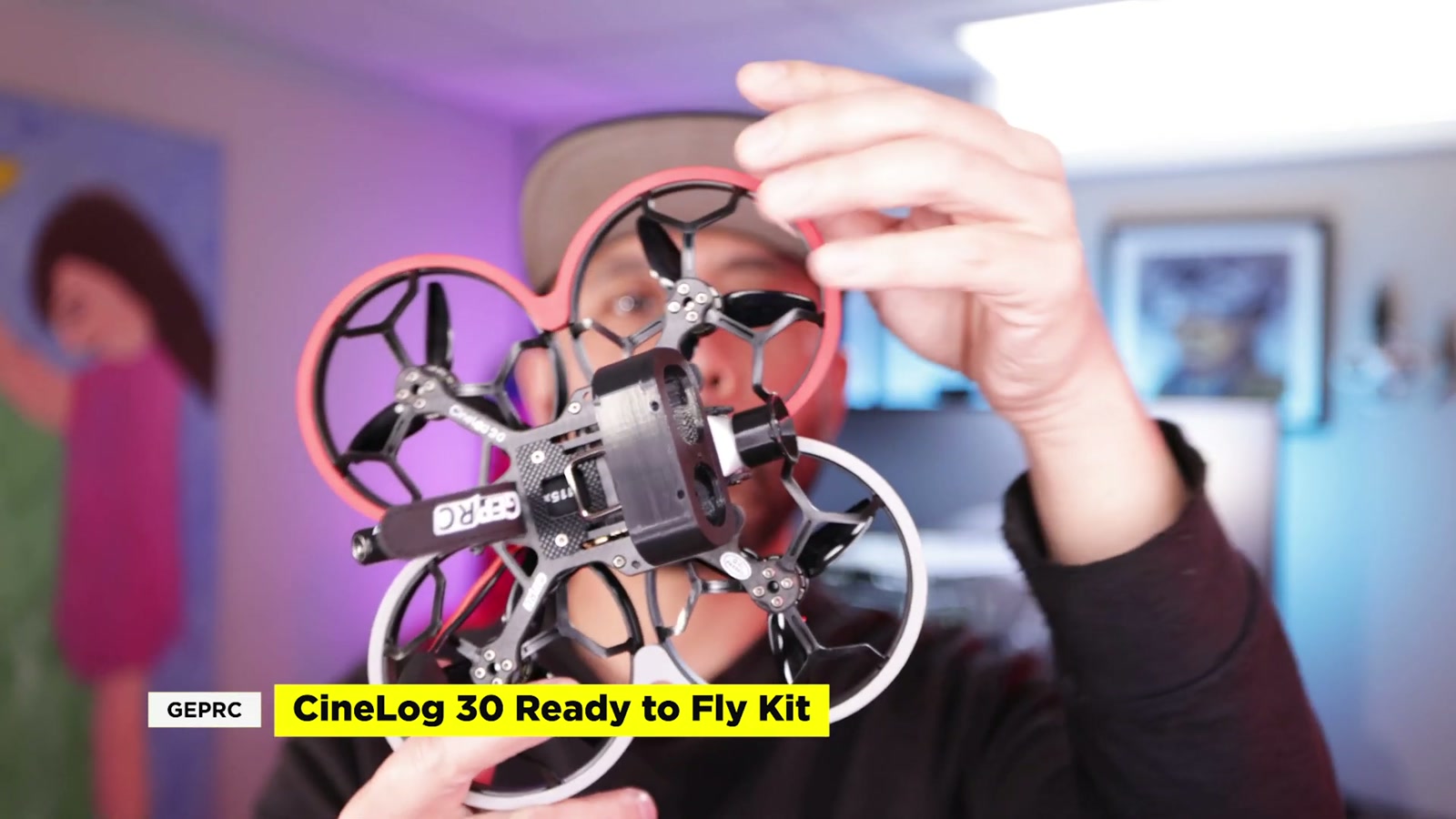
Two immediate takeaways:
The mount made me more confident about crashes. The camera felt “tucked in” instead of exposed.
This setup does add weight. I could feel it in how cautious I wanted to be early on.
First flights: wind, snow, and a quick reality check
I didn’t get a perfect calm day. I got wind and snow.
On my first attempt, I made things harder than they needed to be by using a mild tune that was fine indoors but not strong enough outdoors. The result was simple: I couldn’t turn the way I expected, especially fighting the wind.
That’s the thing about FPV—you can’t fake fundamentals. If something is off (rates, yaw authority, tune), you feel it immediately.
Switching back to stock tune: instantly better
I swapped back to GEPRC’s stock tune and took it to a bigger open area.
Even with the wind still ripping, the drone felt far more responsive and predictable. I wasn’t ready to start threading gaps or doing anything aggressive, but for basic lines and getting comfortable on the sticks again, it was a big improvement.
In those conditions, I treated the flight like “getting seat time” rather than trying to create a masterpiece.
Backyard practice: where the progress actually happened
After the windy outings, I went home and burned another pack just flying the backyard.
That’s where things started clicking again:
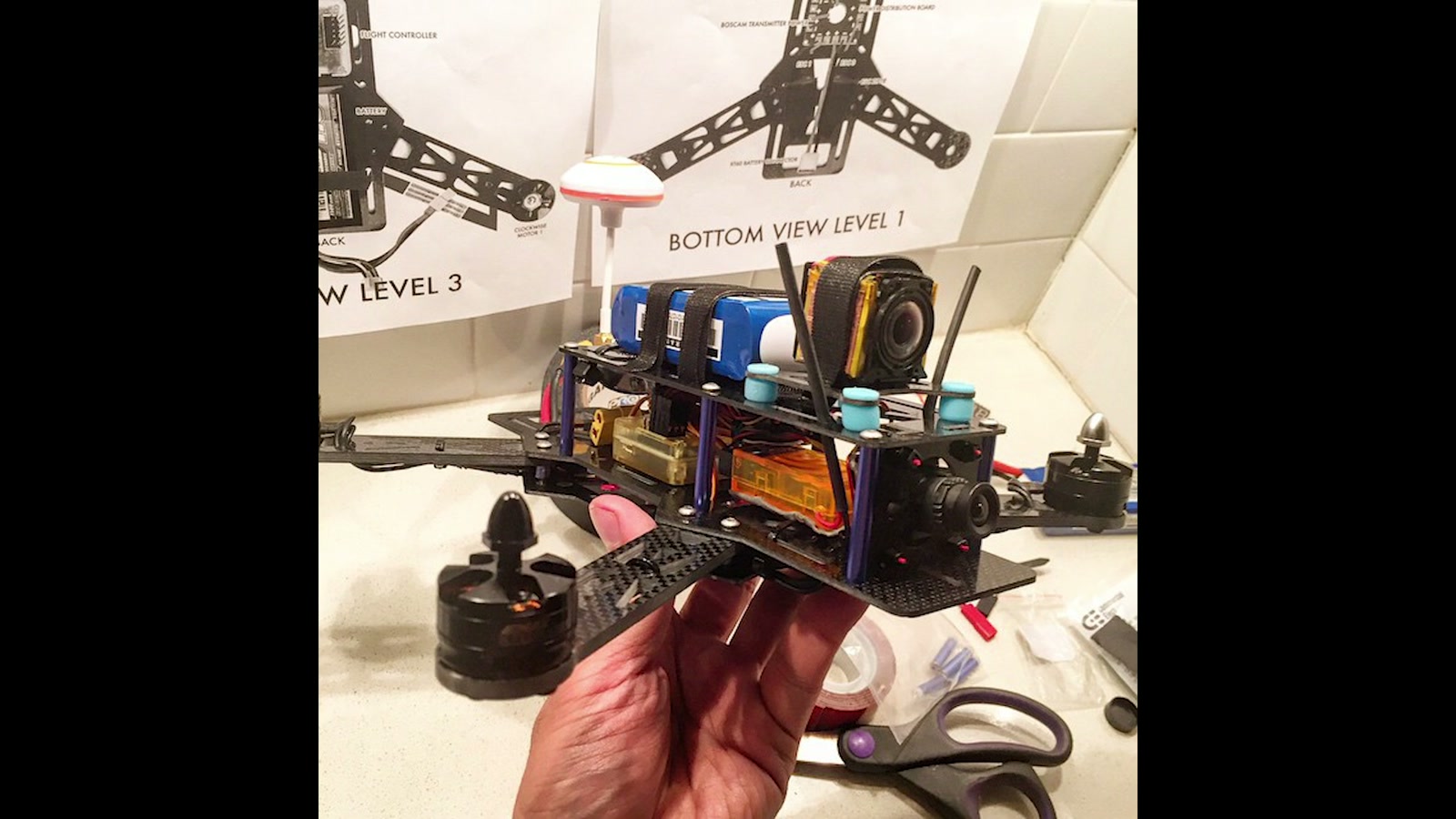
hovering felt calmer
turns felt more deliberate
I started doing a few laps around the house
I worked up to some basic “gap” practice
For relearning FPV, this was the best part of the whole experience. Lower pressure, familiar space, and fewer variables.
Small Betaflight changes that helped me
I didn’t go crazy with tuning. I mostly left the stock tune alone and focused on usability:
Added crosshair and horizontal guides to the OSD
Set up Acro Trainer (because I want to learn acro without instantly turning every session into a crash reel)
Added Turtle Mode (because flipping the quad back over without walking across a field is a quality-of-life upgrade)
Chasing the Sur-Ron: the fun part (and the part that made me dizzy)
Once I felt a little more comfortable, I took the setup out to get some EV riding footage and chase a Sur-Ron.
I started with basic follow passes—nothing fancy, just trying to keep distance consistent and motion smooth.
I also adjusted the tilt angle of the FPV camera to encourage a bit more speed on the next pass.
The surprise? Motion sickness.
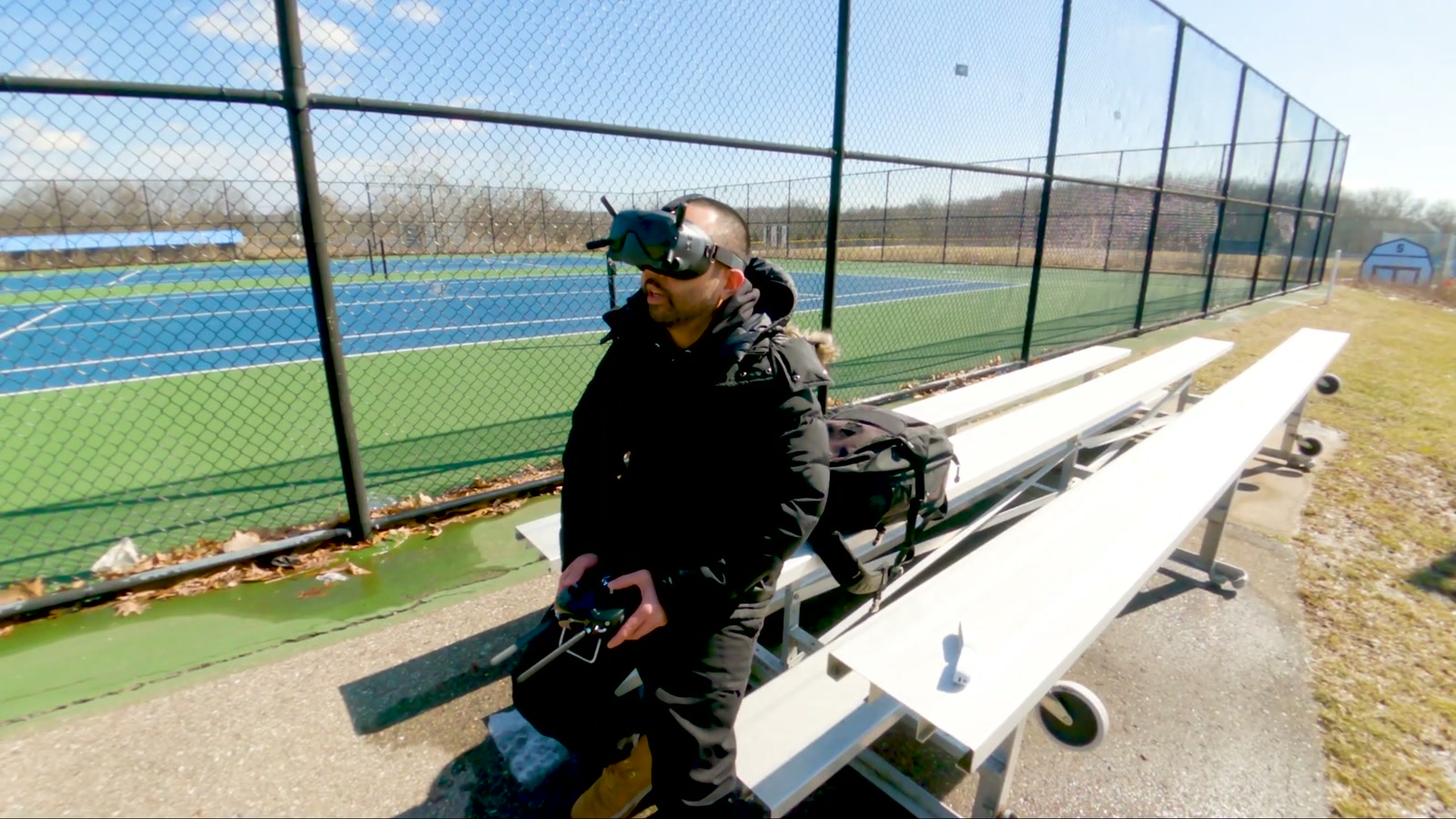
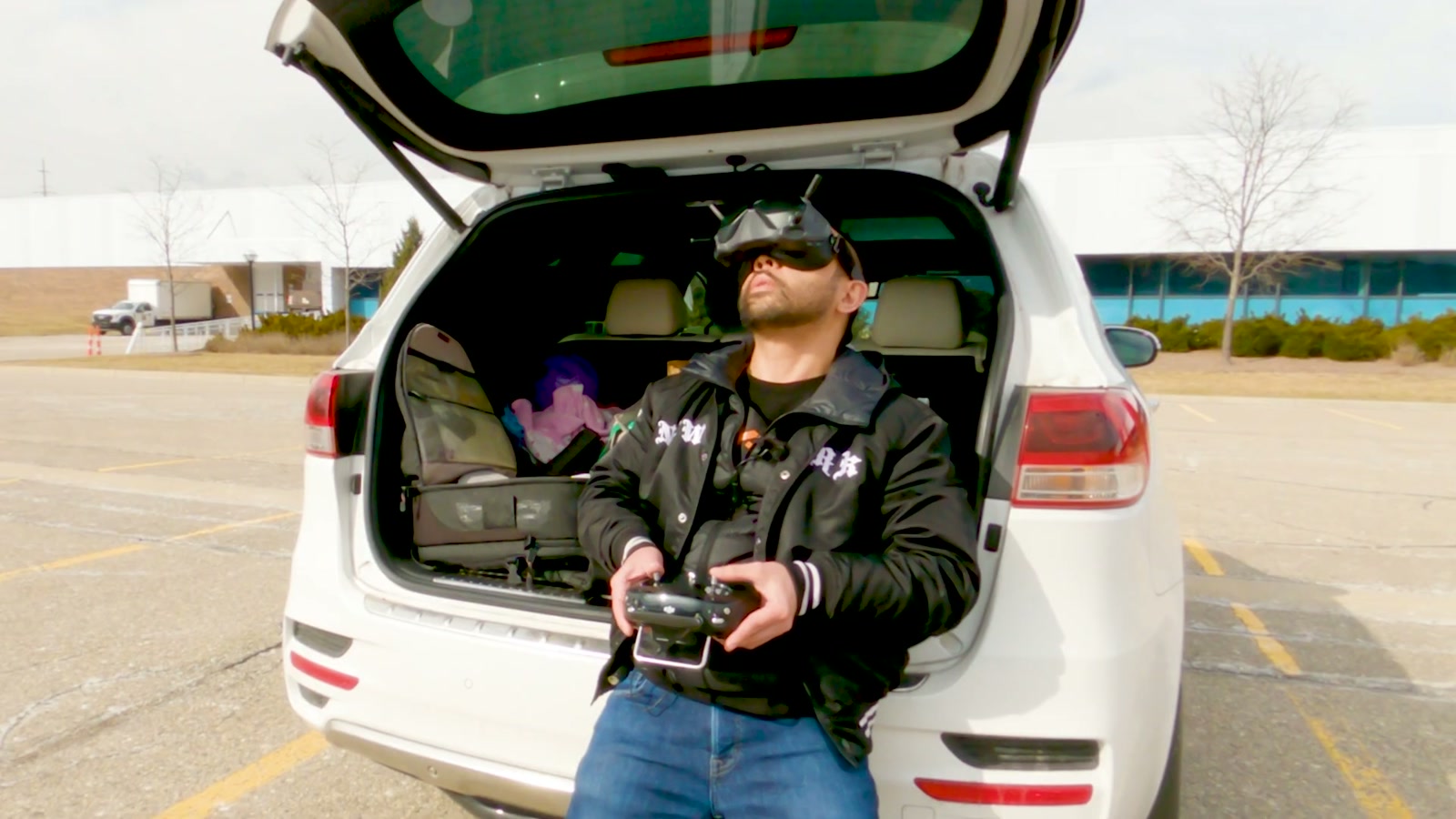
Standing while flying messed with my balance, and after two battery packs I was dizzy enough to call it. If you’re getting back into FPV, don’t ignore that part—your body has to reacclimate, not just your thumbs.
How the Insta360 GO 2 footage held up on a cinewhoop
This is where the GO 2 really earned its spot.
Even when the flying wasn’t perfect, the GO 2 gave me a lot of leeway. The combination of shooting in Pro Video mode and having the camera’s stabilization tools available later made the footage far more usable than my stick skills deserved that day.
The big win is how forgiving this camera can be when you’re still getting smoothness back.
Is the CineLog 30 a beginner drone?
Not really.
It’s not that it’s “too much drone”—it’s that FPV itself demands practice, and the CineLog 30 still expects you to manage throttle, momentum, and orientation like a real FPV rig.
If you’re willing to put in the time (sim practice + real packs), it feels like a great platform to grow into—especially if your end goal is capturing moving EV stuff with a smaller, more protected quad.
What We Like
CineLog 30 feels purpose-built for filming, with guards that make it less intimidating around obstacles
Stock tune was dramatically better for outdoor flying than my overly mild setup
Insta360 GO 2 is tiny and easy to mount, which makes the whole system feel less fragile
GO 2 stabilization can make beginner/intermediate flights look significantly cleaner
The GO 2 charging case acting as a remote is genuinely convenient
Things To Consider
Wind matters a lot on a small cinewhoop. Conditions can make it hard to judge agility and control
The CineLog 30 isn’t a “first-ever FPV drone” unless you’re committed to practice
Adding the GO 2 and mount adds weight, and you’ll feel that in how you fly
Motion sickness is real when you’re relearning FPV—especially if you’re standing while flying
To get the most flexibility later, recording in Pro Video mode is worth it
Final Thoughts
This combo reminded me why FPV is so addicting: the moment you start getting even a little control back, everything becomes a potential line.
The GEPRC CineLog 30 feels like a legit tool for capturing EV lifestyle footage once you build the skill to match it. And pairing it with the Insta360 GO 2 makes the whole process more forgiving—both because the camera is physically easier to protect and because the footage can be stabilized into something that looks far more polished than a rusty first day back.
If you want a compact FPV filming setup to chase bikes, cruise lines through spots, and grow your flying over time, this is a pairing I’d happily keep working with.