
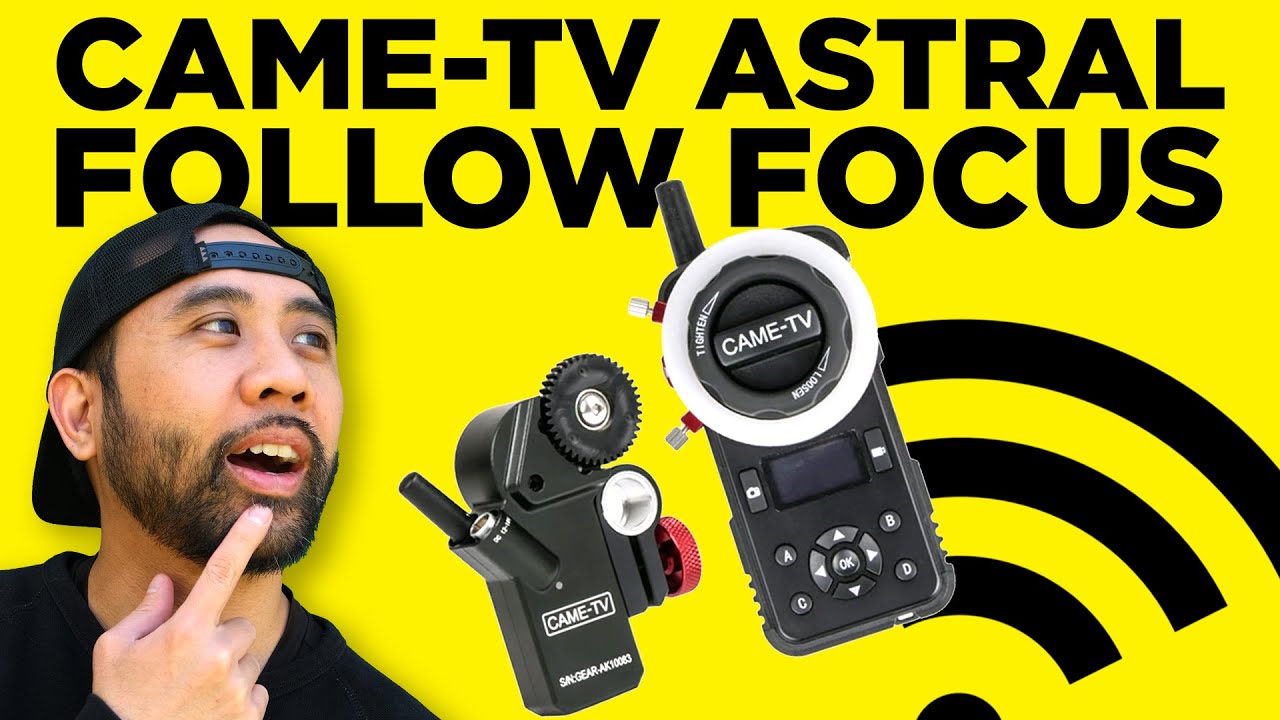
CAME-TV Astral Wireless Follow Focus: A Hands-On First Look
May 20, 2020
Some links in this article may be affiliate links. If you buy through them, we may earn a small commission at no extra cost to you.
Wireless follow focus used to feel like “real film set” territory. Lately it’s become way more attainable, and after spending time installing and running the CAME-TV Astral, I get why it’s landing in that sweet spot for creators who want pro control without going full cinema-rig budget.
This is the kind of tool that changes how you shoot when your camera isn’t conveniently in front of your face—on a gimbal, steadicam, jib, or even when you just want to stand somewhere else and pull focus cleanly.
Why I’d want wireless follow focus in the first place
The biggest value is simple: I can control the lens without touching it.
That matters when the camera is moving (gimbal/steadicam), mounted out of reach (jib), or flying (drone). It also opens up creative options—letting me pull focus from a comfortable position while the camera lives wherever the shot demands.
Build quality and day-to-day feel
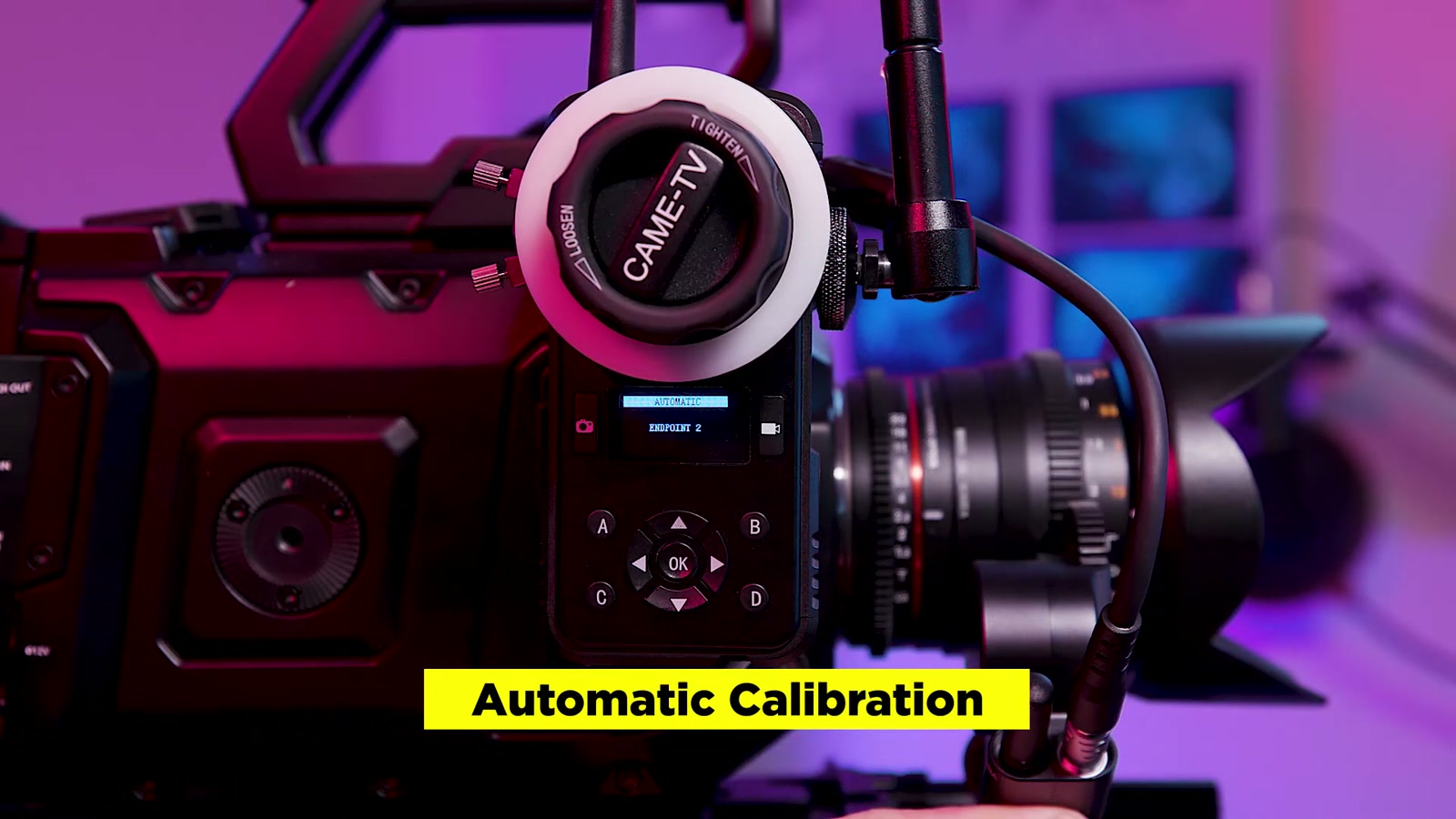
Right out of the box, the Astral feels heavy-duty and professional. The components are largely metal, and it doesn’t give off that “plastic gadget” vibe.
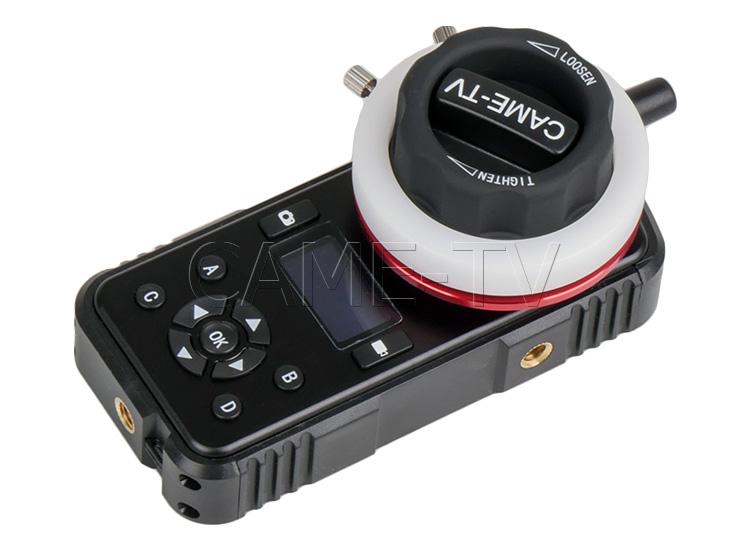
The controller has:
A built-in marking disc (so I can set and hit marks like a traditional focus pull)
An OLED display
Button-based menu navigation
Multiple mounting points via 1/4-20 threads on the bottom and sides
A loop for using a lanyard
The control I get from the damping knob is the standout for me. It makes focus pulls feel more deliberate and less twitchy—especially when I’m trying to creep into focus rather than snap to it.
Battery-wise, the controller runs on an internal LiPo that’s rated up to 8 hours on a full charge, which is the kind of runtime that makes it easy to throw into a kit without planning your whole day around charging.
Installing it on my rig (and the one detail that matters)
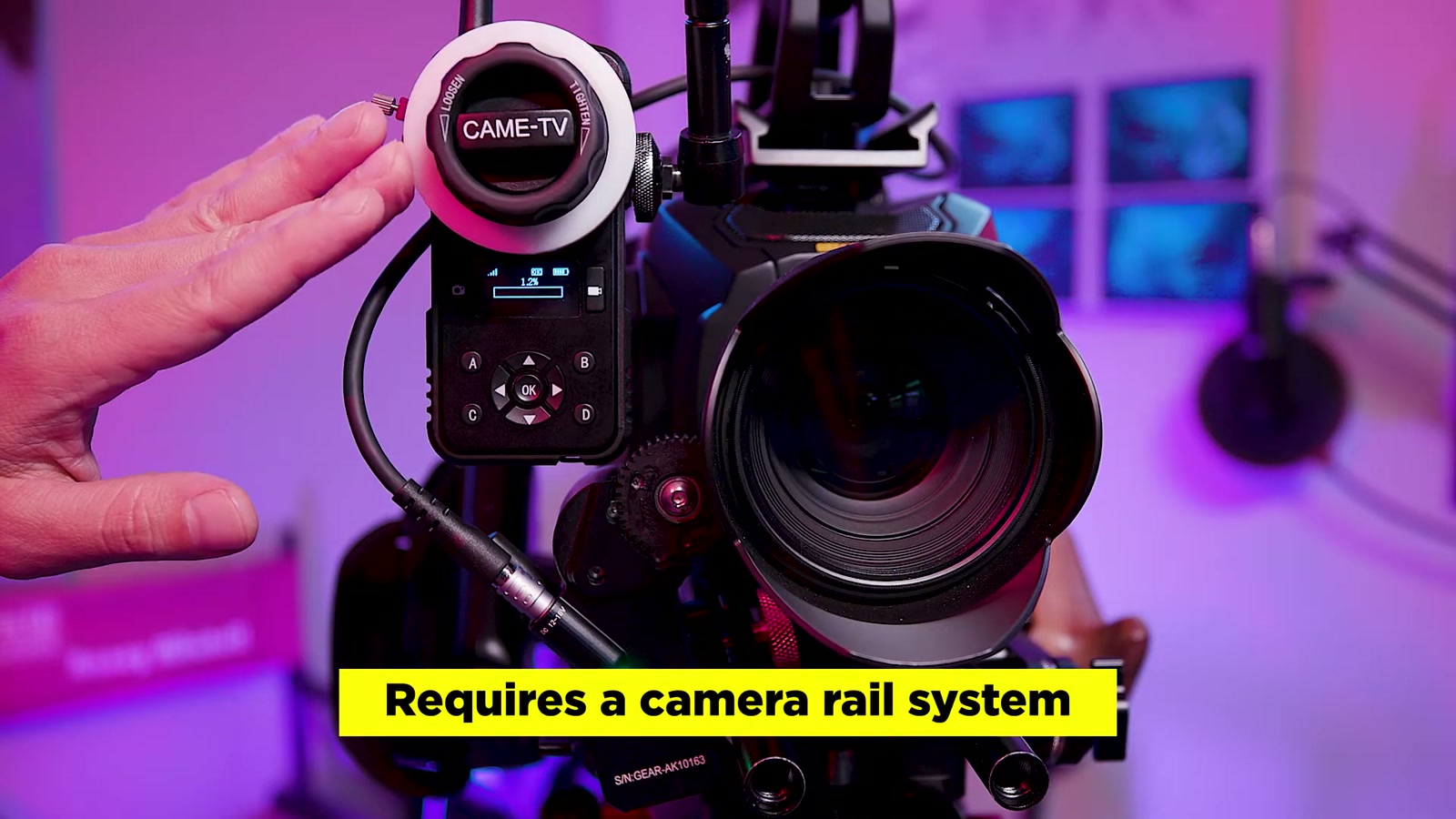
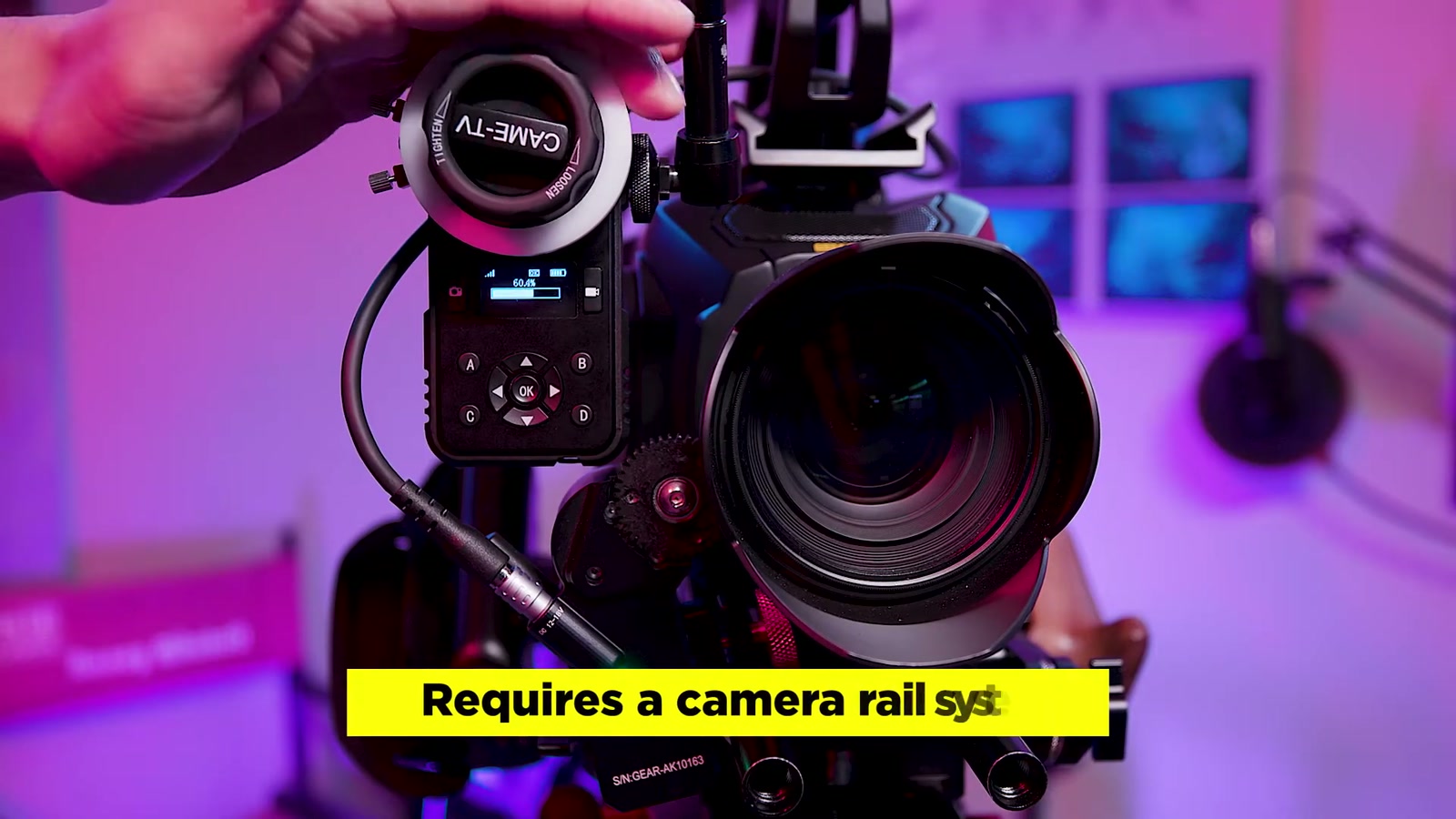
To mount the motor, I needed a rail system. I strongly prefer one with vertical adjustment because dialing in gear mesh is everything with follow focus.
The basic flow:
1. Attach the rail mount to the motor (the motor mount itself also has vertical adjustment).
2. Clamp the rail mount to the rod.
3. Fine-tune height so the motor gear and lens gear mesh cleanly.
There’s one small, easy-to-miss detail that makes a big difference: inside the rail mount there’s a metal sleeve, and the open side needs to face up toward the clamp screw as I tighten it down. When I didn’t have that oriented correctly, I couldn’t get enough tension and the motor would slip on the gears. Once it was positioned properly, everything locked in the way it should.
Power and pairing
The motor doesn’t have a power switch—it turns on as soon as it gets power.
In my setup, the motor can be powered from the camera or from an external V-mount battery using the included D-tap to 6-pin LEMO cable.
The controller powers on by holding the power button for a few seconds, and in my use it paired up automatically with the receiver/motor system without drama.
Calibration and torque: where the “pro” features show up
Calibration is straightforward through the controller menu. Automatic calibration finds the hard stops on the lens.
The big thing I learned quickly: the Astral’s default torque is strong.
That’s great when I’m using stiffer cinema lenses, but it can cause slippage if:
My gear mesh isn’t tight enough, or
The torque is simply too aggressive for the lens/camera combo
On my URSA Mini G2 with a Rokinon cine lens, reducing both the run torque and calibration torque down to minimum eliminated the slippage issues. Once I did that, the system felt far more predictable.
This ability to tune torque is one of the most useful “real-world” features here. It lets me move between different lenses (from smoother photo glass to stiffer cine lenses) without the follow focus feeling like it’s trying to overpower the setup.
If I’m using a lens with no hard stops (common with some photo lenses), manual calibration becomes the move—I can rotate the lens and set my endpoints myself.
How it feels when pulling focus
After calibration and torque tuning, pulling focus felt confident and controlled. The damping knob helps me land focus without overshooting, and once the gear mesh is correct the movement feels mechanically connected—in a good way.
If I want fast moves, the motor can get there too, and it’s capable enough to handle situations where I might want quicker zoom moves. The key is that I can match the system to the vibe of the shot: slow and precise, or faster and snappier.
Extra features I actually care about
A couple quality-of-life features stood out:
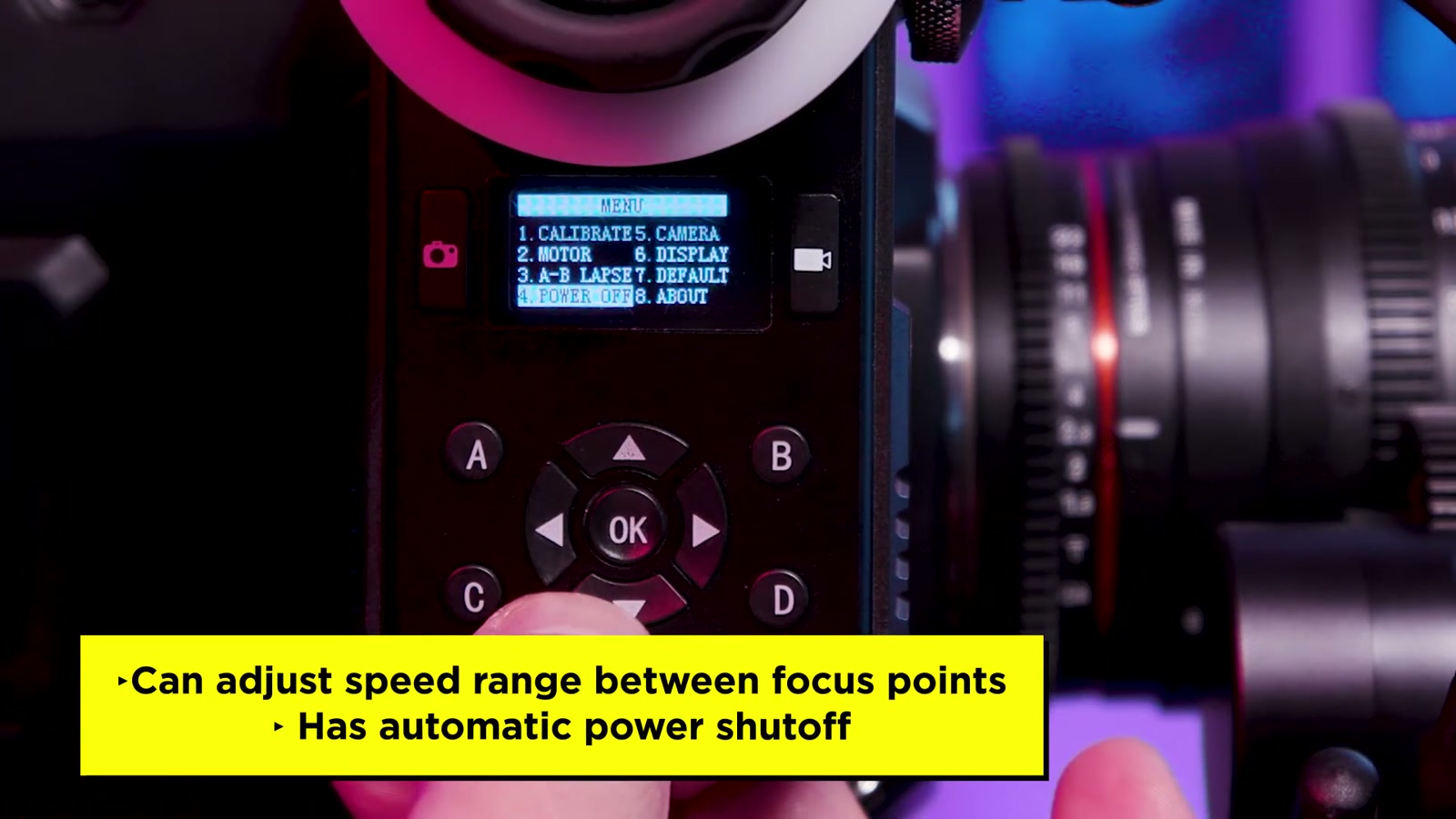
Speed range control between A/B points (useful when I’m repeating a move)
Auto power shutoff options (10 to 60 minutes)
There’s also a mini USB port on the controller that can connect to a camera for wireless start/stop, which is exactly the kind of feature that makes a rig feel more cohesive when I’m operating remotely.
What We Like
Solid, metal build that feels production-ready
Damping knob gives noticeably better control for smooth focus pulls
Torque adjustment is genuinely useful across different lens types
Automatic and manual calibration options depending on whether the lens has hard stops
Multiple mounting options (1/4-20 threads on multiple sides)
Long-rated controller battery life for all-day shooting
Things To Consider
You’ll want a proper rail system, ideally with vertical adjustment, to get clean gear mesh
The rail mount sleeve orientation matters; if it’s wrong, the motor can slip under load
Default torque can be too strong for some setups until you tune it down
No motor power switch means it powers up as soon as it’s plugged in (plan your power workflow)
Final Thoughts
The CAME-TV Astral hits a really practical balance: it feels robust, the controller is easy to live with, and the torque tuning makes it adaptable—whether I’m running cinema glass with more resistance or jumping onto photo lenses that need a gentler touch.
Once I took the time to mount it correctly and dial in torque, the payoff was immediate: smoother focus pulls, less physical interaction with the lens, and way more flexibility in how (and where) I operate the camera.