

FarDriver 72300 on the Yozma IN 10: Controller Swap, Tune, and Real-World Ride Impressions
September 29, 2025
Some links in this article may be affiliate links. If you buy through them, we may earn a small commission at no extra cost to you.
If you’ve been riding the Yozma IN 10 and thinking, “This thing is fun… but I want more punch off the line,” a controller swap is one of the most noticeable changes you can make.

I installed a FarDriver 72300 (plus a matching harness/throttle setup) and tuned it through the FarDriver app. The short version: the bike feels noticeably more awake down low, the three ride modes all step up a level, and it becomes way easier to loft the front wheel without having to do a dramatic body yank.
Below is exactly how the install went in the real world, what I had to watch out for, and how it rides now.
Why I did the swap
The IN 10 already comes with a FarDriver-style controller, which makes this upgrade attractive because it’s not a complete re-engineering project. I wanted:
More low-end torque and a stronger initial “crack” of throttle
A cleaner tuning experience (less hassle when adjusting settings)
A controller that gives me room to grow if I ever step up battery voltage later
The 72300 also has internal Bluetooth, which matters more than it sounds like on a bike you actually tinker with.
Install experience (what was easy, what wasn’t)
Safety first (seriously)
Before touching anything: I disconnected the battery and then turned the bike on to confirm there wasn’t residual power sitting in the controller. Don’t skip that.
Getting the stock controller out
The controller is mounted to a plate, and on my bike I ended up needing access from the battery side. That meant removing the battery to deal with a bolt situation. One of the mounting points was giving me trouble (thread/spacer drama), so I didn’t force it and risk stripping anything. For testing, the controller was still secure enough to proceed.
Wiring: plug-and-play if you use the right harness
The nicest part of this swap was not having to splice wires. With the pre-wired harness kit, the connectors slid right in.
Key connections I made:
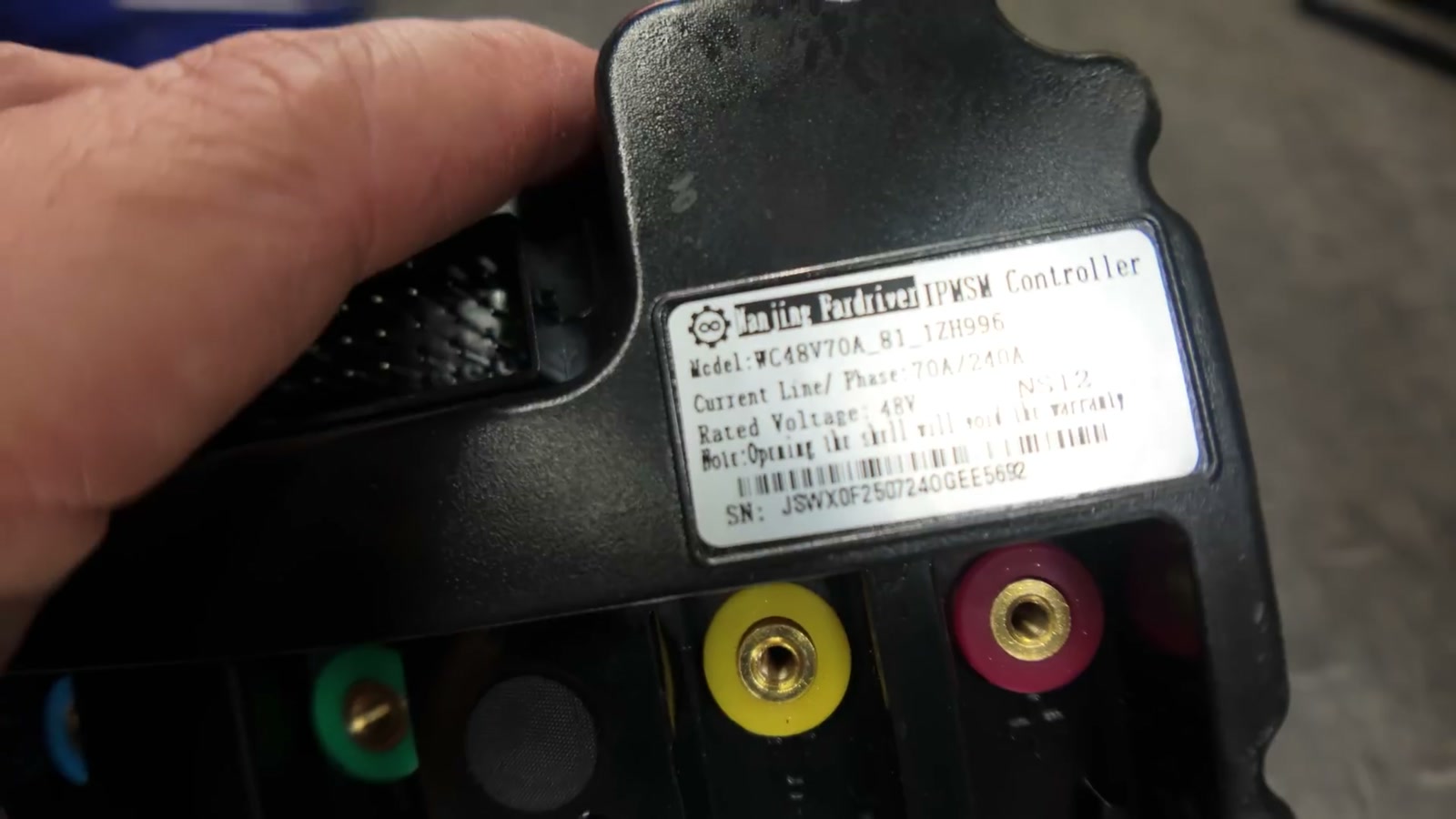
Phase wires: matched by color
Power leads: positive and negative (double-check this, obviously)
Throttle wiring: connected to the black/green/red coming out of the harness
3-speed switch: tied into the blue/black/yellow
Key/ignition: connected through the harness wiring (orange plus the other matching leads)
If you’ve done basic e-moto maintenance, this felt very manageable.
Tuning: the one step that made a big difference
Remove the chain before AutoLearn
For running FarDriver AutoLearn, I removed the chain from the motor. This was specifically recommended to me for this setup, and after feeling how the bike turned out, I’d do it the same way again.
App setup and essential parameters
I connected to the controller via Bluetooth in the FarDriver app (no separate Bluetooth module needed with this controller).
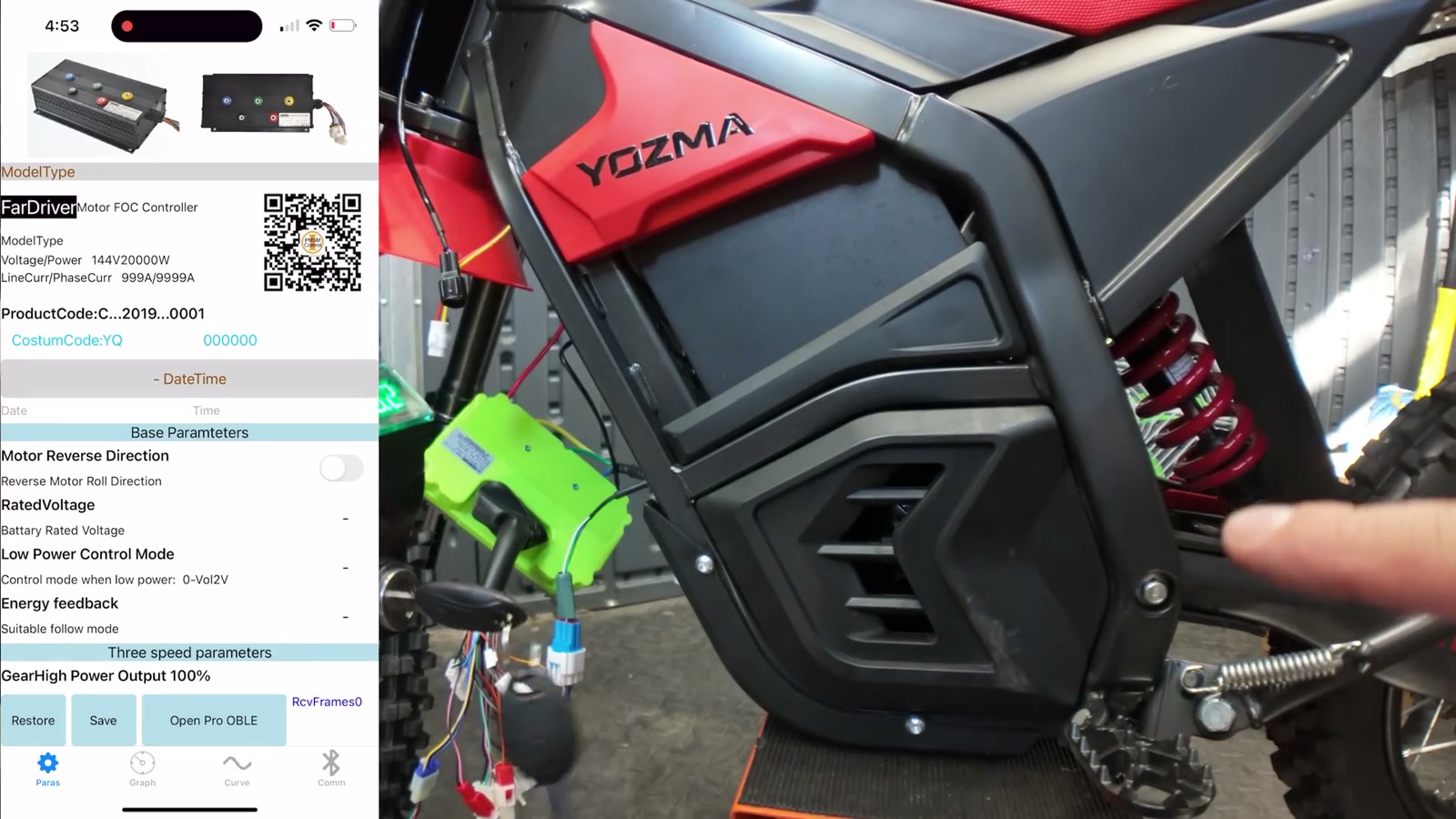
I set:
Rated voltage to match the stock battery
Motor pole pairs to 5
Low voltage protection adjusted appropriately for the battery
Then I ran AutoLearn and let the controller do its calibration routine.
About “tune settings”
After AutoLearn, I loaded a refined tune that adjusted a few behaviors. I’m not going to pretend I deeply understand every single FarDriver parameter page—because I don’t—and I’d rather be honest than give you fake confidence. What mattered in the real world is the result: throttle response felt stronger and more immediate, but still controllable.
Real-world riding impressions
First throttle hit: more torque, same personality
The IN 10 didn’t turn into a totally different bike—it just feels like someone woke it up.
The biggest improvement is right at the start of the throttle. It’s that initial snap that makes the bike feel more “alive,” especially when you’re trying to hop around at low speeds, pop over little bumps, or get the front end up quickly.
The 3-speed modes feel like they moved up a notch
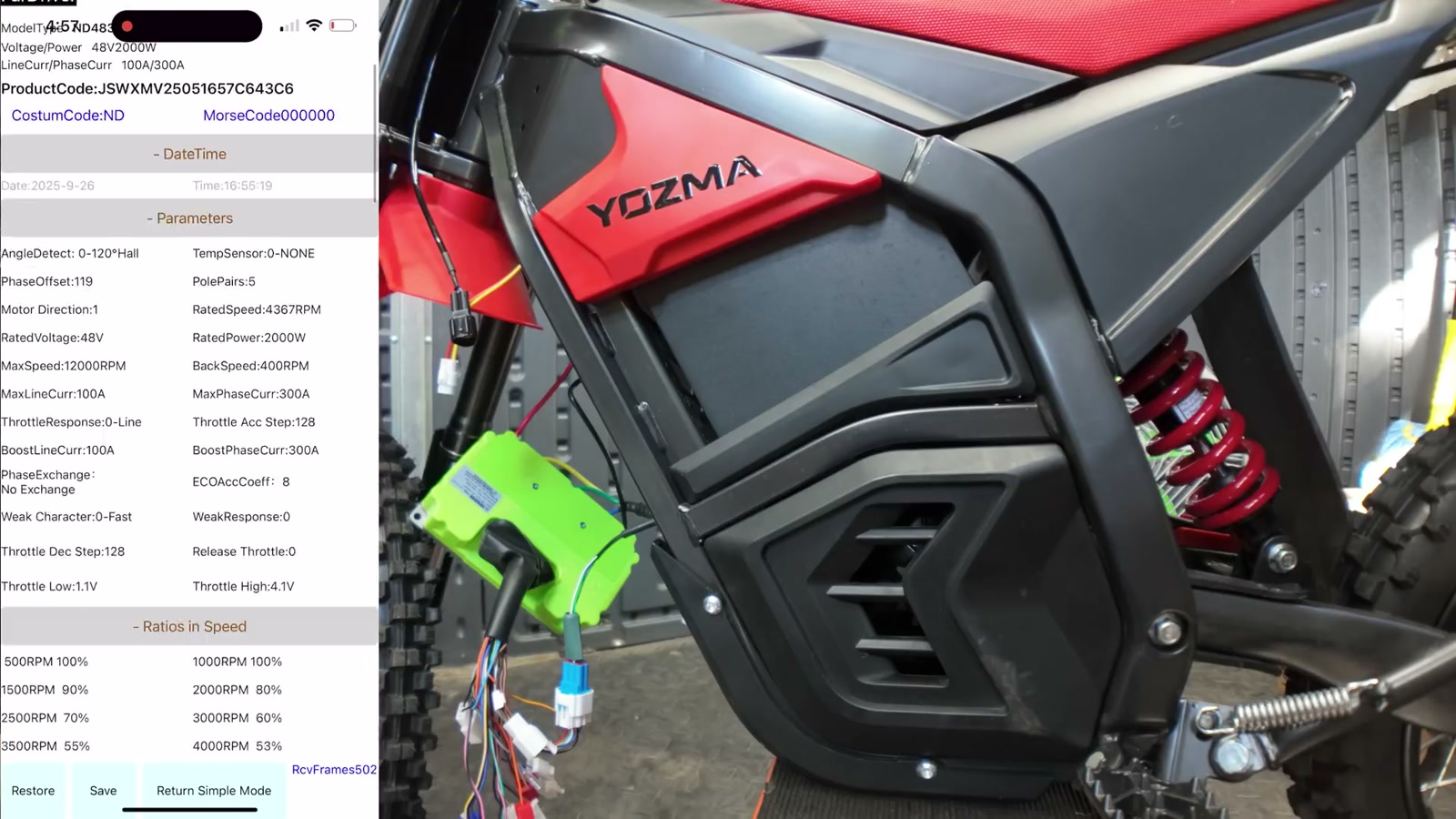
This was one of the coolest surprises:
Mode 1 now feels closer to what Mode 2 used to be
Mode 2 feels closer to the old Mode 3
Mode 3 is where the bike really feels eager and responsive
Even when I dropped back down to Mode 2 after trying Mode 3, the bike still felt bouncy and playful—like it had more RPM “behind” the motor when you ask for it.
Top speed vs. acceleration
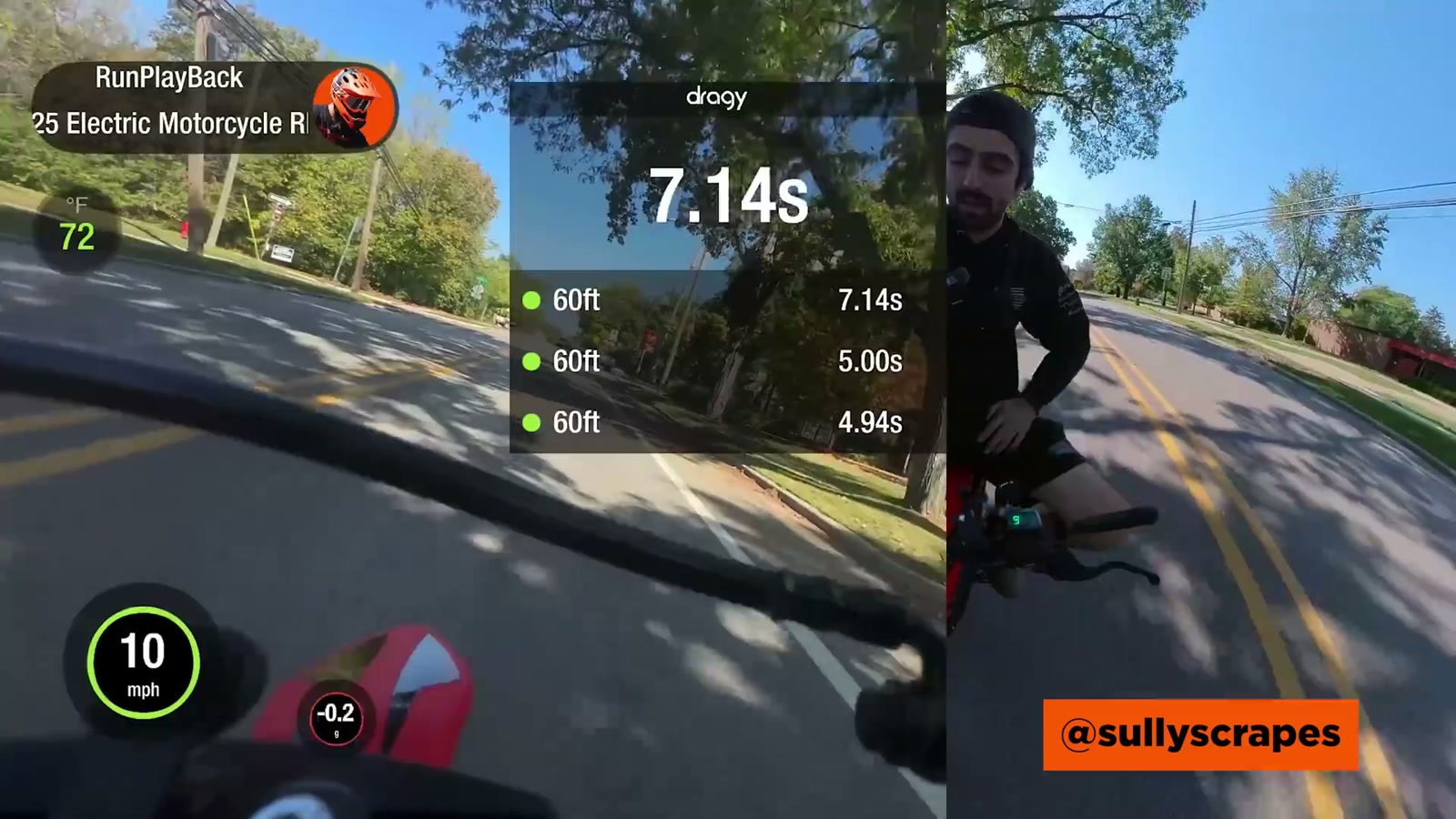
In my testing, the top end felt very similar to stock, but acceleration (especially low-end pickup) improved noticeably.
On a flat run I saw the high 30s mph. On an uphill run I hit the mid-30s mph, and it felt like it eventually “walled out” up top on the climb—but honestly, mid-30s uphill is already plenty for what the IN 10 is.
Where the upgrade pays you back is how quickly it gets there.
Wheelies and stunt feel (where the upgrade really shows)
This controller/tune combo made the bike dramatically easier to lift.
Before, it took more effort and more throttle commitment to get the wheel up—especially once you already had some forward speed. After the swap, I could crack the throttle and bring it up with much less drama.
Micro-adjustments also felt easier. Instead of having to “floor it” to save a wheelie as it comes down, the bike responds to smaller throttle inputs with more authority.
If you like riding this bike in a playful, BMX-y way, this upgrade lands.
What We Like
Noticeably stronger low-end punch and quicker pickup
The bike feels more lively without feeling chaotic
Mode 1/2/3 all become more usable (and more fun)
Internal Bluetooth makes tuning way easier day-to-day
Clean install with the right pre-wired harness (no splicing)
Adds headroom for future battery upgrades
Things To Consider
Plan on removing the battery to access certain mounting hardware
Don’t force stubborn bolts; it’s easy to create a bigger problem (stripped threads)
AutoLearn is not a “skip it” step, and removing the chain for calibration is worth doing
Tuning is powerful but can be confusing—make changes carefully and methodically
If your goal is only higher top speed, this upgrade felt more like an acceleration win than a top-end transformation
Final Thoughts
The FarDriver 72300 made my Yozma IN 10 more fun in the way that matters most: the first half-second of throttle. It jumps harder off the line, it responds better to little inputs, and it turns the ride modes into something I actually want to use instead of just leaving it in the same setting.
If you’re the kind of rider who likes quick bursts, playful wheelies, and that “alive” motor feeling, this is a satisfying upgrade. And if you’re the type who’s always thinking about the next mod, the built-in Bluetooth and extra headroom make the 72300 a solid foundation to build on.