

Inogeni 4K HDMI Capture Card: The Pricey Plug-and-Play Upgrade I Actually Trust for Meetings and OBS
May 9, 2020
Some links in this article may be affiliate links. If you buy through them, we may earn a small commission at no extra cost to you.
Working from home pushed me to level up my video setup fast. I wanted the kind of clean, professional look you get from a real camera (not a built-in webcam), but with the simplicity of plugging into Zoom or Webex and just… going.
Read more: Inogeni 4K Capture Card
Read more: Inogeni 4K Capture Card

The Inogeni 4K HDMI Capture Card was my attempt to make that workflow reliable across both my desktop PC and my Mac laptop, while still letting me capture high-quality camera output straight into software like OBS.
After installing it, living with it on my desk, and running it through real meetings and recording sessions, here’s how it shook out.
The setup: genuinely plug-and-play
One of the best parts of this capture card is that it doesn’t feel like a “project.” I connected HDMI out from my camera, then ran USB to my computer, and it behaved the way I wanted a premium device to behave.
It includes a USB 3.0 cable, but I ended up buying a separate USB‑C cable because I’m constantly swapping between my PC and my Mac laptop. That small change made the whole setup feel more seamless day-to-day.
Desk life: compact, simple, and mostly invisible
Physically, it’s about the length and width of a credit card, which is perfect for leaving on a desk without it turning into clutter. It has a silver brushed-metal enclosure, and functionally it feels solid in the hand.
I wouldn’t want to test it against a hard drop on the floor, but for normal studio/desk use, it feels sturdy enough to trust.
Heat and noise: a big upgrade from older gear
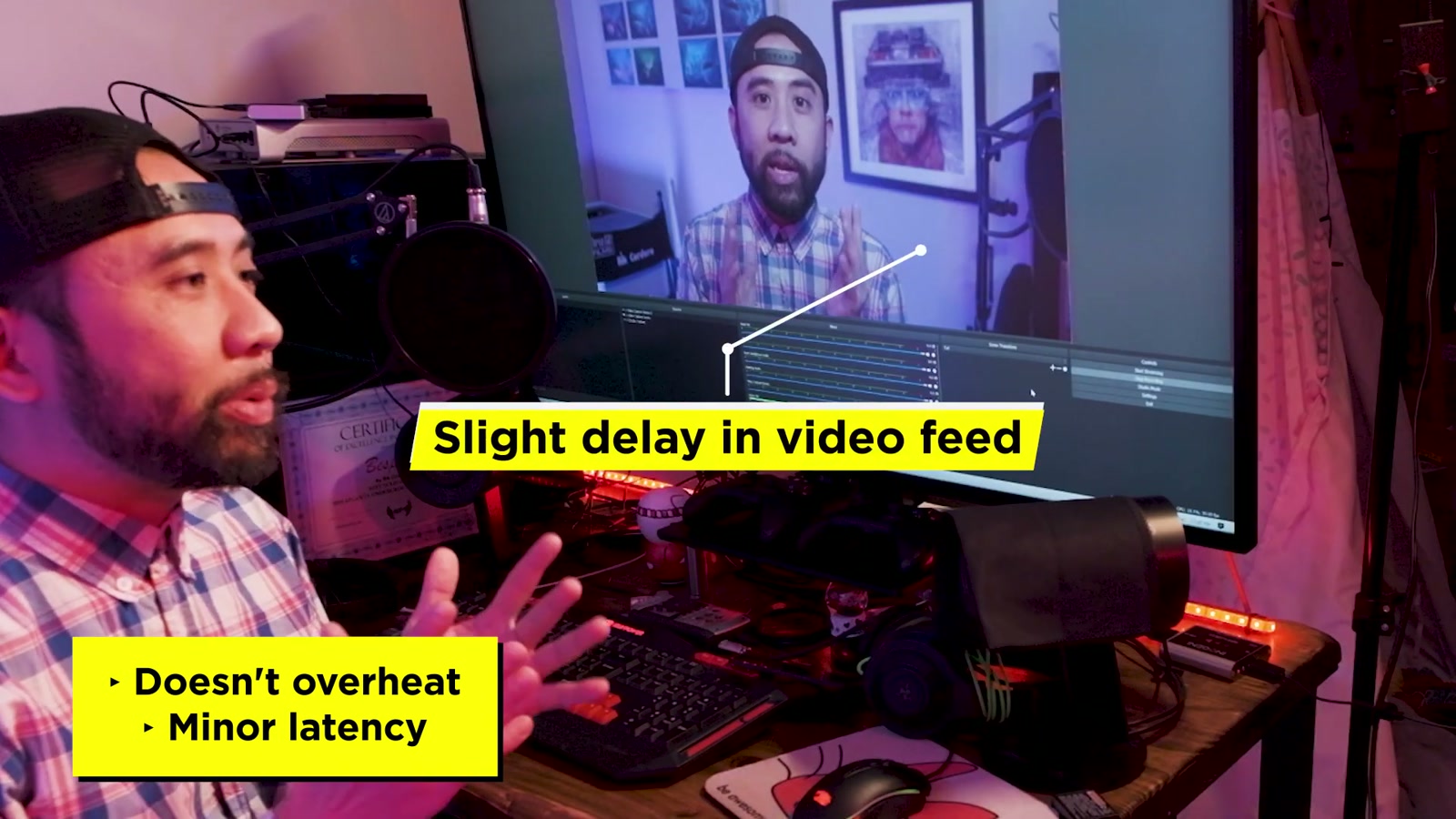
Before this, I used a Blackmagic Intensity Extreme. It worked, but it was bulky, it overheated too often, and it was loud thanks to the internal fan.
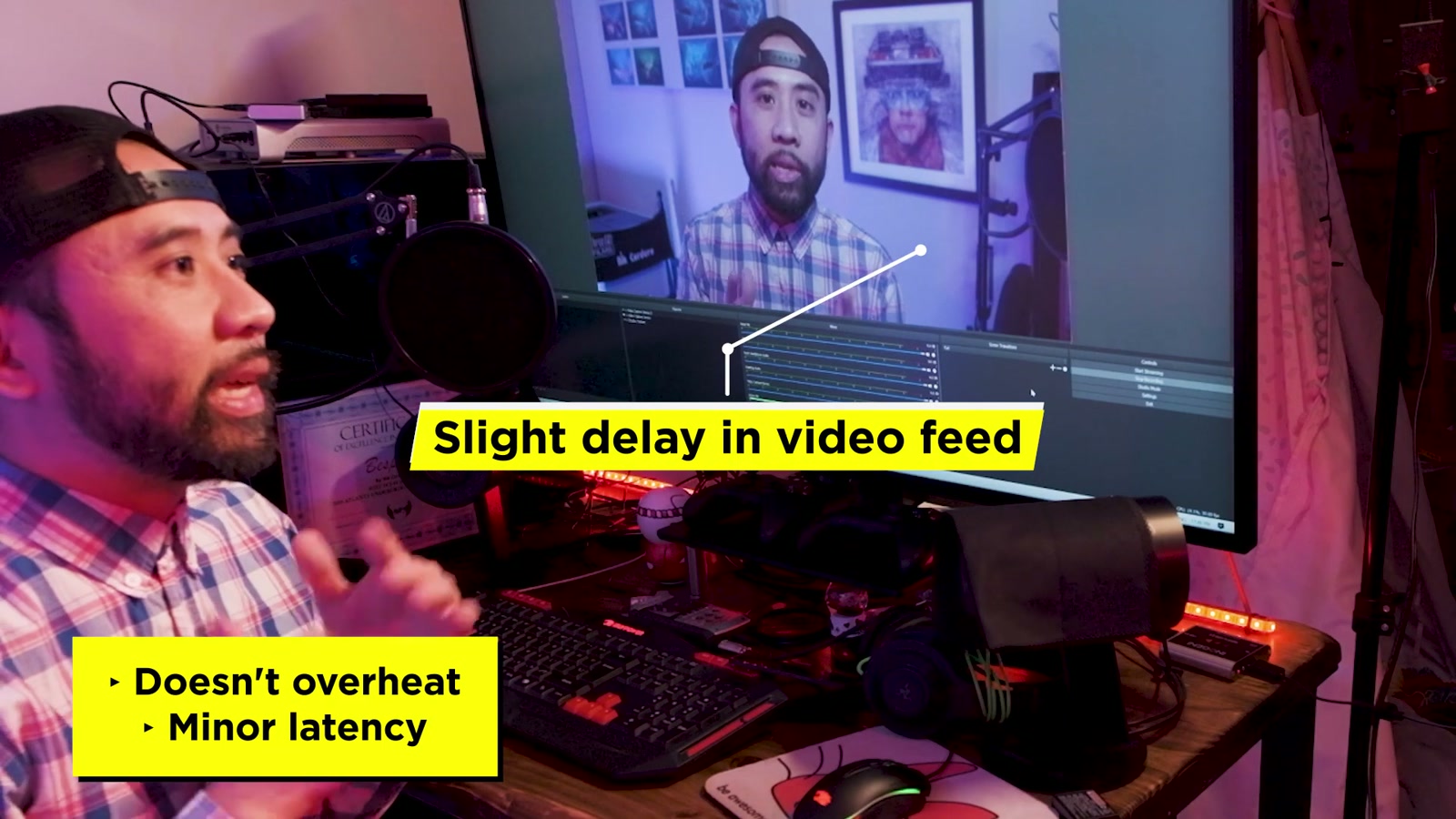
The Inogeni gets warm, but in my use it didn’t hit that stressful “is this about to melt down mid-call?” territory. And it’s quiet. That matters more than people think when you’re trying to stay focused during a long day of calls.
Real-world performance: meetings, recording, and camera compatibility
My main goal was better video conferencing on platforms like Zoom and Webex, and that’s exactly where this kind of device earns its keep. Being able to use a proper camera, dial in lighting, and control the look of the image makes remote communication feel more like showing up prepared.
On the recording side, I preferred using OBS and QuickTime. Both fit naturally into the workflow, and the capture experience felt stable.
Camera-wise, I tested it with:
Canon C200
Fujifilm X‑T3
Blackmagic URSA Mini G2
All three behaved flawlessly for me, which is a big deal because “should work” and “works every time” are two very different things when you’re on deadline.
Latency and audio: the practical reality
There is a small amount of latency, which is typical for capture cards. How noticeable it feels will depend on your computer speed and the software you’re using.
Audio comes through the HDMI feed. For the cleanest results (and to avoid sync headaches), I’d connect a professional mic directly into the camera and let the camera embed that audio into the HDMI signal.
Resolutions and frame rates: enough for real work
This card can capture standard video resolutions up to 4K, and it supports common frame rates from 23.98 up to 60p.
One important limitation: 4K is capped at 30 frames per second.
For video conferencing and most talking-head capture, that’s usually fine. If you’re expecting 4K60 capture, you’ll want to factor that in.
The biggest drawback: the price is hard to ignore
At $395, this is the part where a lot of people hit the brakes. You can find cheaper, generic capture devices online—many targeted at gamers—and some of them might work.
But for me, the value here is trust. If your job (or your side hustle) depends on showing up with consistent, high-quality video, the cost starts to make sense because it reduces friction and uncertainty.
I care about looking presentable on camera the same way I care about showing up to a meeting well dressed. Remote work isn’t going away, and video quality is part of communication now.
What We Like
Simple plug-and-play experience
Works on both PC and Mac
Compact size that sits nicely on a desk
Runs warm but didn’t overheat in my use
Quiet operation (no loud fan noise)
Flawless results with Canon C200, Fuji X‑T3, and Blackmagic URSA Mini G2
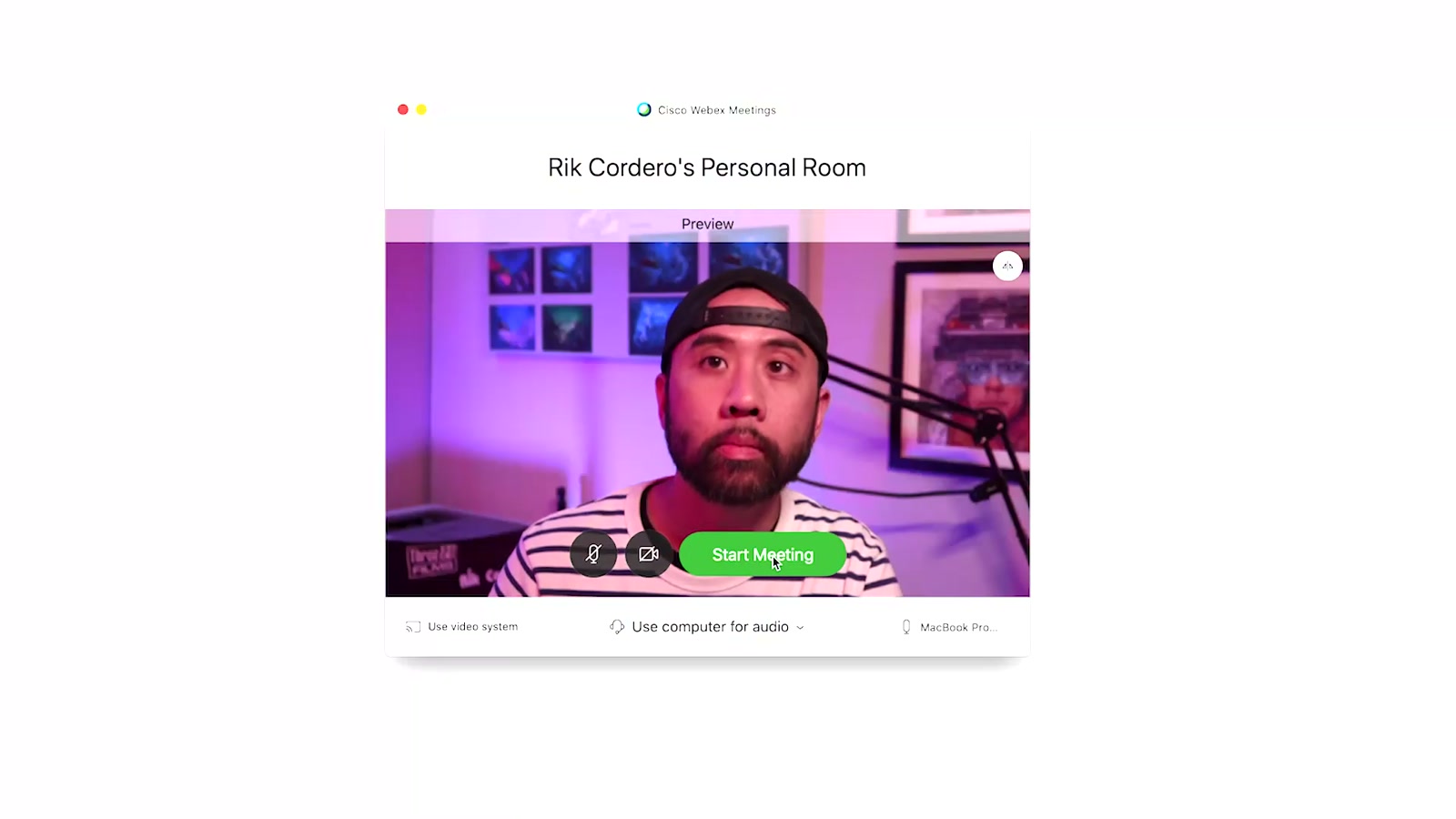
Great fit for Zoom/Webex-style calls and software capture with OBS/QuickTime
Things To Consider
Expensive at $395
Small but real latency (normal for capture cards, varies by system/software)
4K capture is limited to 30 fps
If you swap between machines often, you may want a different cable (I preferred USB‑C)
For best audio sync, route a pro mic into the camera rather than relying on a separate computer audio chain
Final Thoughts
For my role as a video producer working in a remote-first world, the Inogeni 4K HDMI Capture Card is worth the price. It’s the kind of device that quietly does its job, makes my camera feel like a professional “webcam,” and keeps me focused on the work instead of troubleshooting.
If you just want the cheapest way to get HDMI into a computer, this probably isn’t the buy.
If you want a dependable, cross-platform capture solution for real cameras—especially for professional video calls and reliable OBS/QuickTime capture—this one earns a confident recommendation from me.